Starting a laser engraving business can feel overwhelming, especially when you start looking at all of the different machines, accessories, blanks, and supplies available.
The good news is that you don't need everything to get started.
The most important investment is choosing the right laser machine for the types of products you plan to sell. From there, you can slowly add accessories, tools, storage, blanks, and other supplies as your business grows.
I've had the opportunity to use multiple xTool laser machines over the years, and these are the machines and supplies I would consider if I were starting a laser engraving business today.
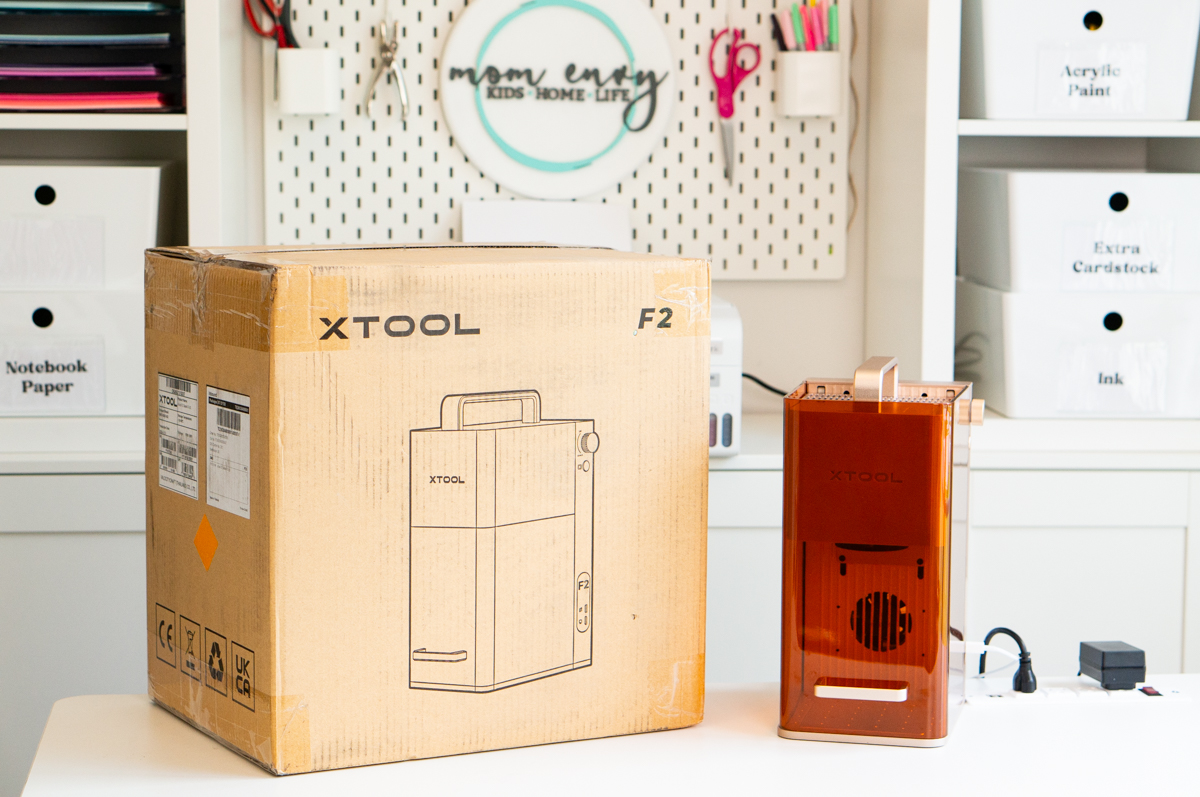
Best Portable Laser for a Small Business: xTool F2
BEST FOR: Jewelry, small personalized products, craft shows, vendor events, and anyone who wants a portable laser.
The xTool F2 is a great option for someone who plans to create and sell smaller personalized products.
Some products you could make with the F2 include:
- Custom jewelry
- Keychains
- Dog tags
- Metal business cards
- Ornaments
- Small personalized gifts
- Small wood and acrylic products
- Personalized items at craft shows and vendor events
One of the biggest advantages of the F2 for a small business is its portability. If you want to take your laser to craft shows, vendor events, weddings, corporate events, or other locations where you can personalize products on-site, the F2 is a great option.
SEE MORE ABOUT THE xTOOL F2 HERE
I recently used my F2 to create multiple pieces of custom jewelry. You can see exactly how I engraved the different jewelry pieces in my full tutorial here:
LEARN HOW TO ENGRAVE CUSTOM JEWELRY WITH THE F2
What About the Newer Version of the F2?
There is also a newer upgraded option available that offers additional capabilities.
It is more expensive than the F2, so you'll want to consider whether you actually need the additional features when you're first starting your business. But if you are primarily doing glass or metal, the upgrades may be worth it.
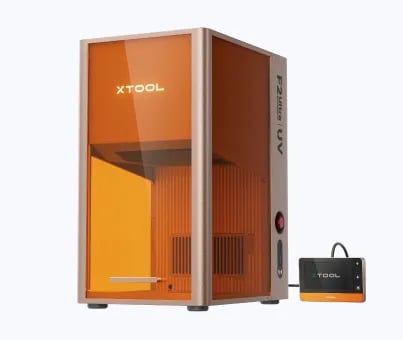
If you have a larger budget and want even more capabilities, you may want to look at the xTool F2 Ultra UV. While the F2 uses a 5W infrared and 15W diode dual-laser system, the F2 Ultra UV uses a 5W UV laser designed for extremely precise engraving on materials such as glass and crystal.
It can even create 3D engravings inside glass, something the standard F2 cannot do. The Ultra UV also upgrades to dual 48MP cameras and speeds up to 15,000 mm/s, compared with the F2's 50MP camera and 6,000 mm/s maximum speed. For a business planning to specialize in detailed glass, crystal, or metal, the additional capabilities could make the higher price worth considering.
SEE MORE ABOUT THE xTOOL F2 ULTRA
Best Budget Laser for Starting a Business: xTool M2
BEST FOR: Someone who wants to start a laser business with a smaller initial investment.
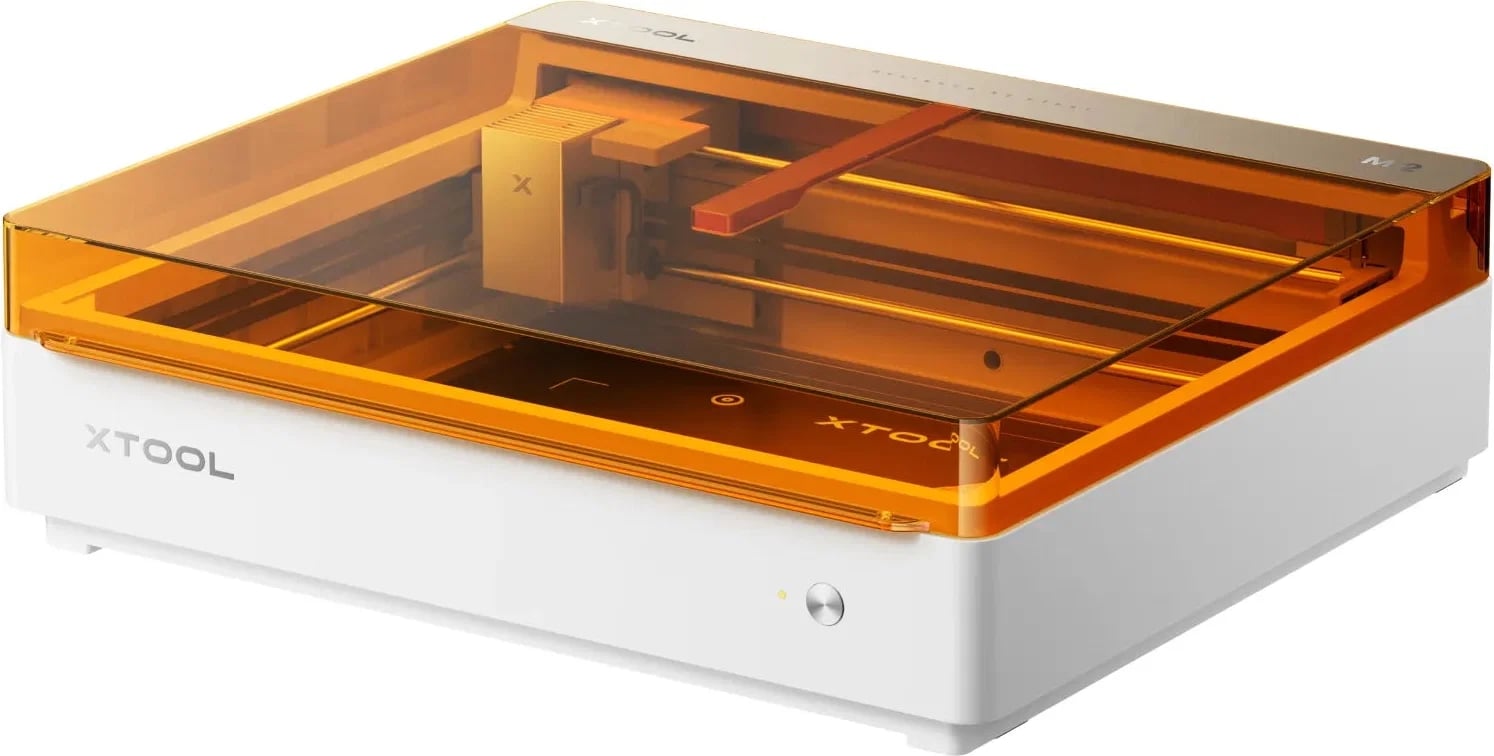
If you're interested in starting a laser engraving business but aren't ready to invest thousands of dollars into a machine, the xTool M2 is a great place to start.
I reviewed its predecessor, the xTool M1 Ultra which you can see here. This machine is fully capable to use as a starter laser business.
It gives you the ability to start creating and selling laser products without making as large of an upfront investment.
This could be an especially good choice if you're not sure exactly what types of products you want to sell yet or if you simply want to test the waters before upgrading to a more expensive machine.
Best Laser for Larger Projects and a Bigger Budget: xTool P3
BEST FOR: Larger projects, higher-volume businesses, and someone with a larger startup budget.
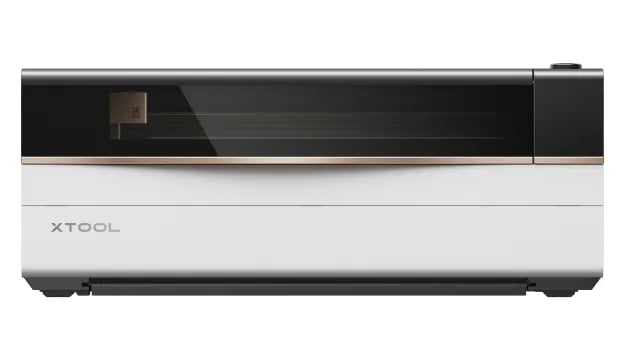
If you already know you want to build a serious laser business and plan to create larger products, you may want to invest in a larger CO2 laser like the xTool P3.
I personally own the previous generation, the xTool P2, and it is still one of my favorite laser machines I've used. I use it on a regular basis for all of my larger projects.
You can read my full xTool P2 review here:
SEE MY xTOOL P2 LASER REVIEW
The P3 is a much larger investment than the other options on this list, so this probably isn't the machine I would recommend for someone who simply wants to experiment with laser engraving. However, if you already have a business plan and know you'll need the additional capabilities, it may make sense to invest in a larger machine from the beginning.
SEE MORE ABOUT THE xTOOL P3 LASER MACHINE
Laser Business Accessories Worth Buying
You don't need every laser accessory available when you're starting your business. There are, however, a few accessories and tools that can make it easier to create a wider variety of products.
Rotary Attachment
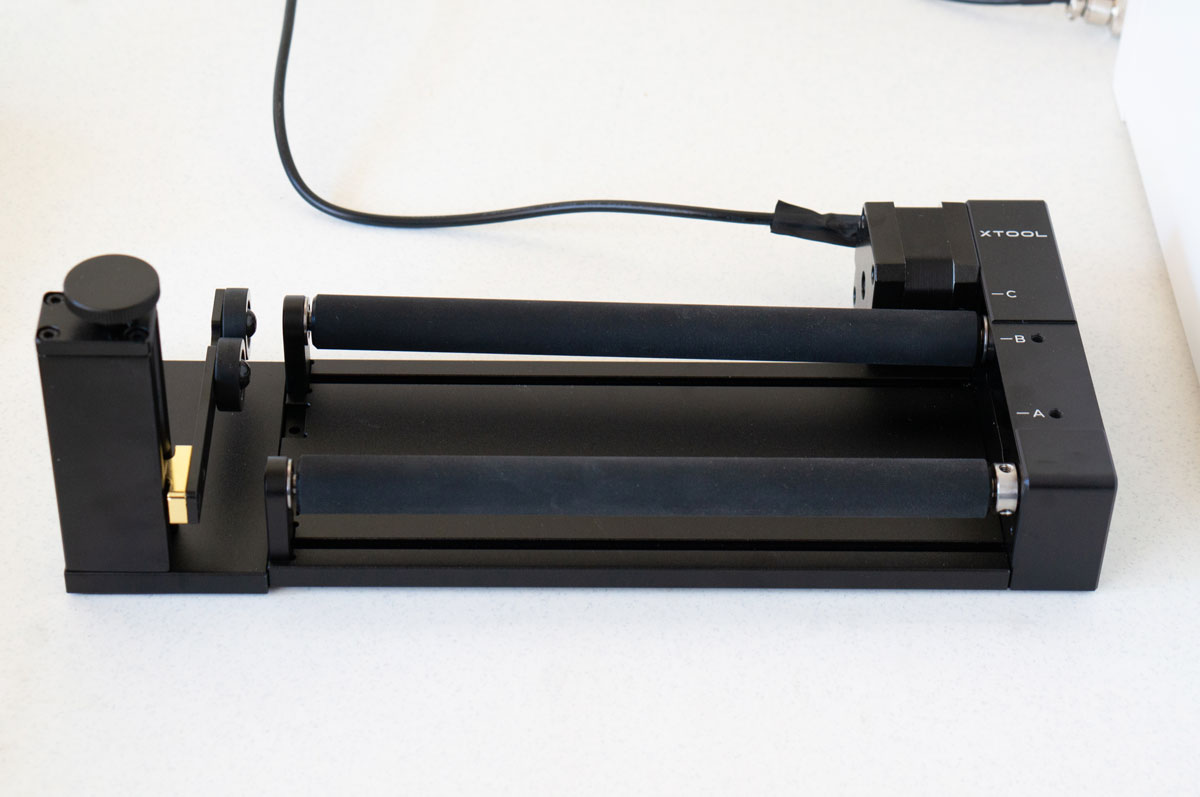
A rotary attachment is one of the first laser accessories I would consider purchasing for a small business.
Adding a rotary attachment can open up additional product options, including:
- Tumblers
- Cups
- Mugs
- Bottles
- Rings
- Round ornaments
- Other cylindrical or round products
Make sure to check which rotary attachment is compatible with your specific laser before purchasing.
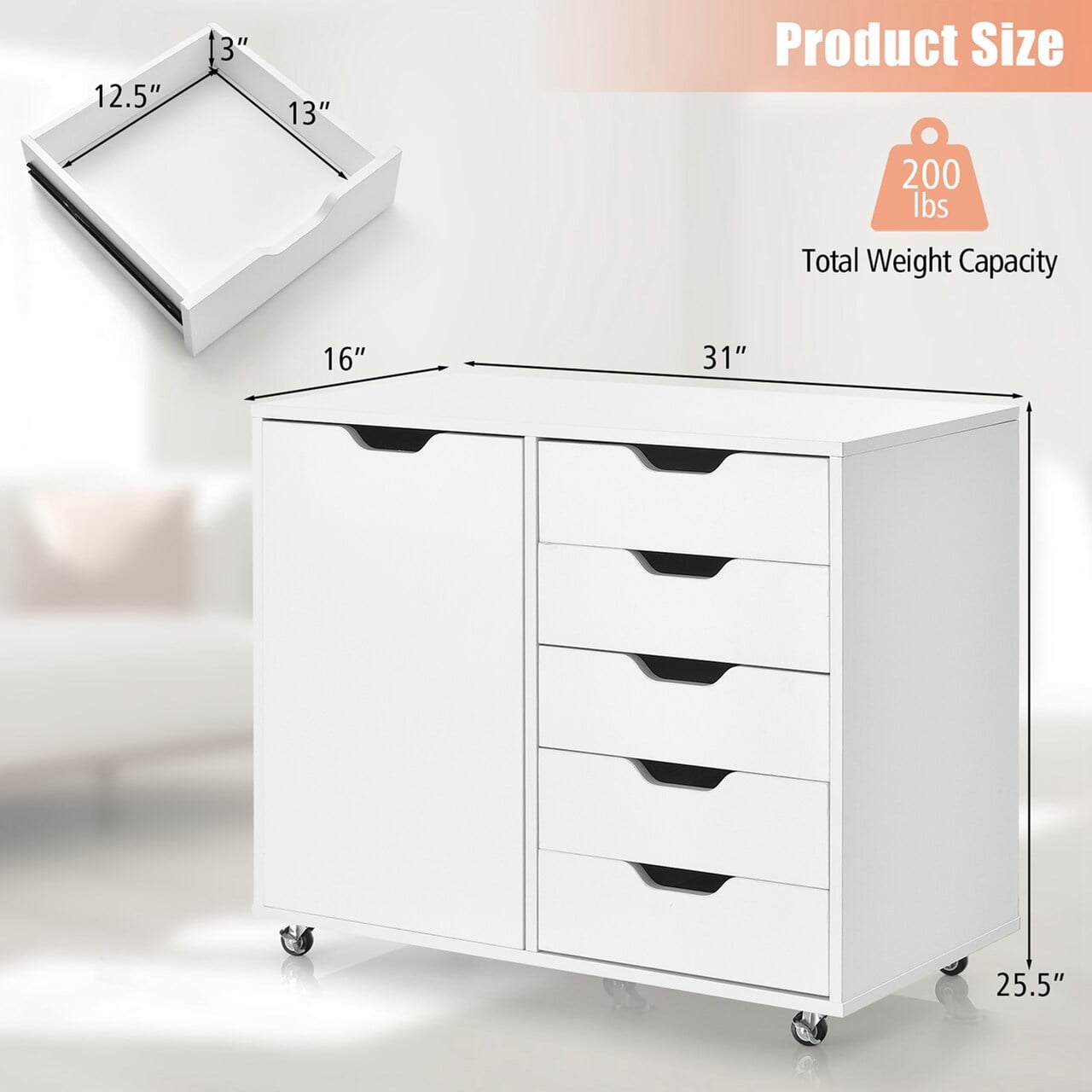
A Sturdy Laser Cart or Workstation
You don't technically need a dedicated laser cart, but having a sturdy surface for your machine with storage underneath can make a huge difference, especially if you're running your business from a craft room or another small space.
Look for features such as:
- Locking wheels
- A sturdy work surface
- Drawers
- Shelves
- Pegboard storage
- Storage for laser blanks
- Space for accessories
Budget Option
A basic heavy-duty utility cart can be an inexpensive option for holding a smaller laser and supplies.
SEE THIS LOW-COST UTILITY CART
Craft Room Option
A rolling craft machine cart with drawers, shelves, or pegboard storage can keep your machine and most-used supplies together.
Heavy-Duty Option
For a larger machine or heavier setup, look for a sturdy workbench or utility cart with locking casters. Or you can even get a work stand directly from xTool that is compatible with the P3.
MOBILE WORK STAND FROM xTOOL FOR THE P3
Helpful Tools and Supplies for a Laser Business
You probably already own some of these if you're a crafter, but there are a few inexpensive tools that can make laser projects much easier.
Measuring and Project Tools
- Digital calipers
- Metal ruler
- Cutting mat
- Precision tool set
- Painter's tape or masking tape
- Strong double-sided tape
- Heat-resistant work gloves
- Microfiber cloths
- Lint-free wipes
- Isopropyl alcohol for cleaning compatible blanks
- Small handheld vacuum or shop vacuum
Storage and Organization
- Small storage bins
- Drawer organizers
- Pegboard storage
- Small containers for jewelry blanks and hardware
- Rolling storage carts
- Material storage racks
- Storage for finished inventory
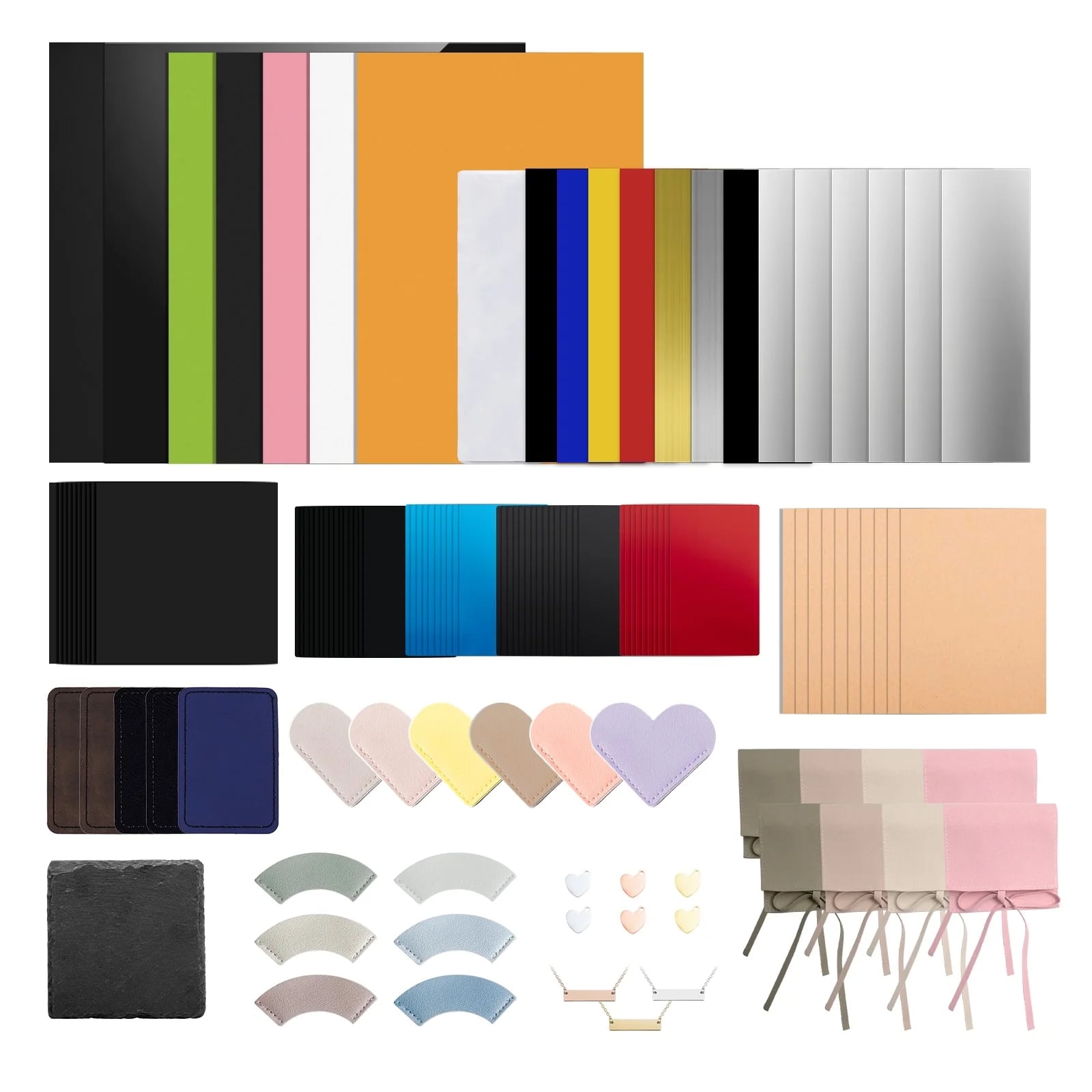
Laser Blanks to Keep on Hand
One mistake you don't want to make when starting a laser business is buying hundreds of every blank you see.
Start with a smaller assortment and figure out what actually sells before investing in large quantities.
Some blanks to consider include:
Small Products
- Jewelry blanks
- Keychains
- Metal business cards
- Dog tags
- Small ornaments
- Leatherette patches
Wood and Acrylic Products
- Wood rounds
- Wood ornaments
- Acrylic keychains
- Acrylic ornaments
- Acrylic sheets
- Wood sheets
- Sign blanks
Products for a Rotary Attachment
- Tumblers
- Mugs
- Cups
- Bottles
Packaging and Shipping Supplies
Don't forget about everything you'll need once someone actually buys your products!
You may want to keep some basic packaging and shipping supplies on hand, including:
- Small jewelry boxes
- Gift boxes
- Cellophane bags
- Organza bags
- Bubble mailers
- Shipping boxes
- Tissue paper
- Thank-you cards
- Business cards
- Stickers
- Shipping labels
Shipping Label Printer
If you plan to sell online and ship products regularly, a thermal shipping label printer can save a lot of time.
THERMAL LASER PRINTER FOR SHIPPING
Shipping Scale
A small digital shipping scale is another inexpensive tool that can make running an online laser business easier.
What Do You Really Need to Start a Laser Engraving Business?
You don't need to purchase everything on this list before selling your first product.
If I were starting from scratch, I would focus my budget on:
- The laser machine that best matches the products I want to sell
- Any essential accessories needed to make those products
- A safe and sturdy workspace
- A small selection of blanks (test all blanks before selling)
- Basic tools and cleaning supplies
- Packaging and shipping supplies
Then I would add additional accessories, blanks, storage, and equipment as I figured out what products my customers actually wanted.
Whether you start small with an xTool M2, focus on portable personalization with the xTool F2, or invest in a larger machine like the P3, you can build your setup over time instead of feeling like you need an entire professional laser workshop on day one.