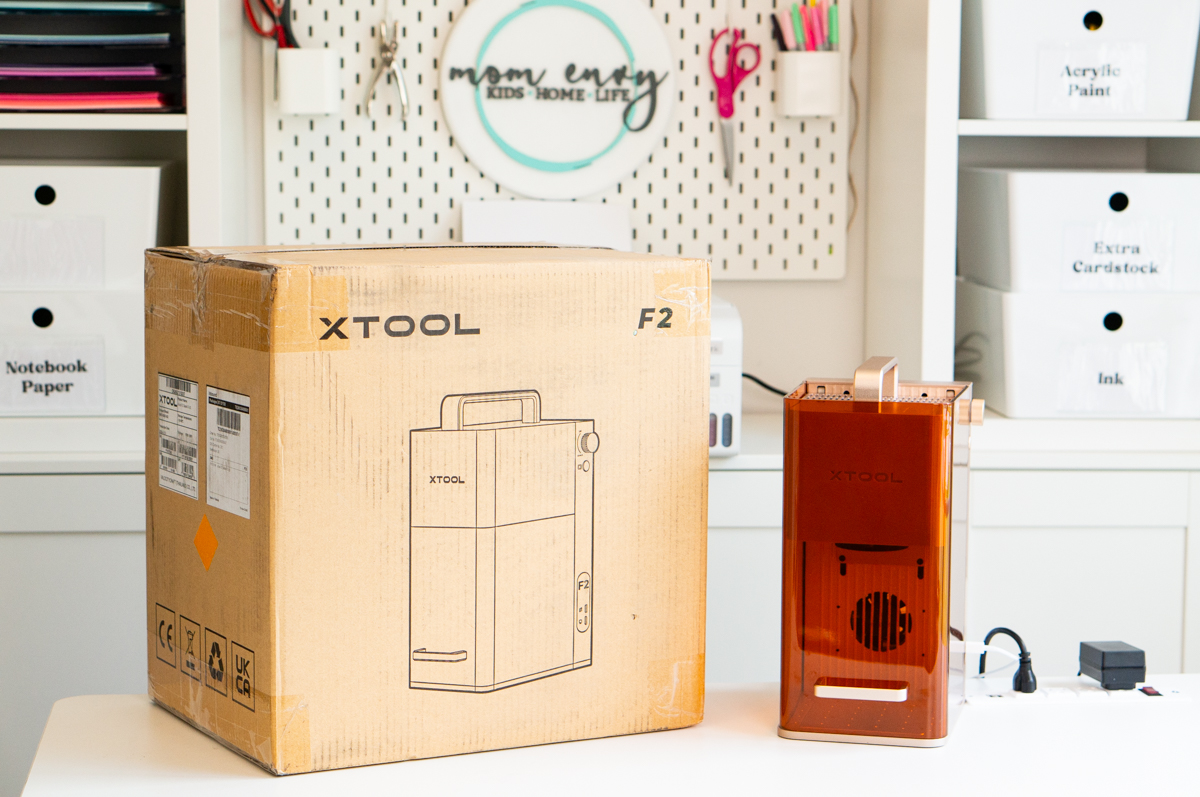
If you're looking for a portable laser option, look no further than the xTool F2. xTool has a history of quality lasers that are perfect for small business owners and hobbyists. The F2 fits perfectly into that family and brings something that the larger lasers don't - the ability to travel for on-site engraving.
As an Amazon Associate, I earn from qualifying purchases. I am also an affiliate for xTool, the HP ink program, ShareaSale, Awin, and CJ Networks. Click here to read more.
As a small business owner, lasers provide the opportunity to customize products making them more unique than something you can just walk into any store to buy. While larger lasers like the xTool P2 and xTool M1 Ultra offer large laser beds, their size makes lasering on-site impossible. The xTool F2 let's you bring your laser with you to craft shows, event or store booths, outdoor events, and more to customize on-site; taking your products to a whole new level.
Portability is where the F2 stands out among the xTool family of lasers. Despite having larger lasers in my arsenal, the F2's portability made it a must-have. As a hobbyist, I don't require a laser to travel to craft shows. But, as a hobbyist, I love having the ability to take my laser to friends and family's houses, my boys' school, and to other locations of choice.
Testing the xTool F2
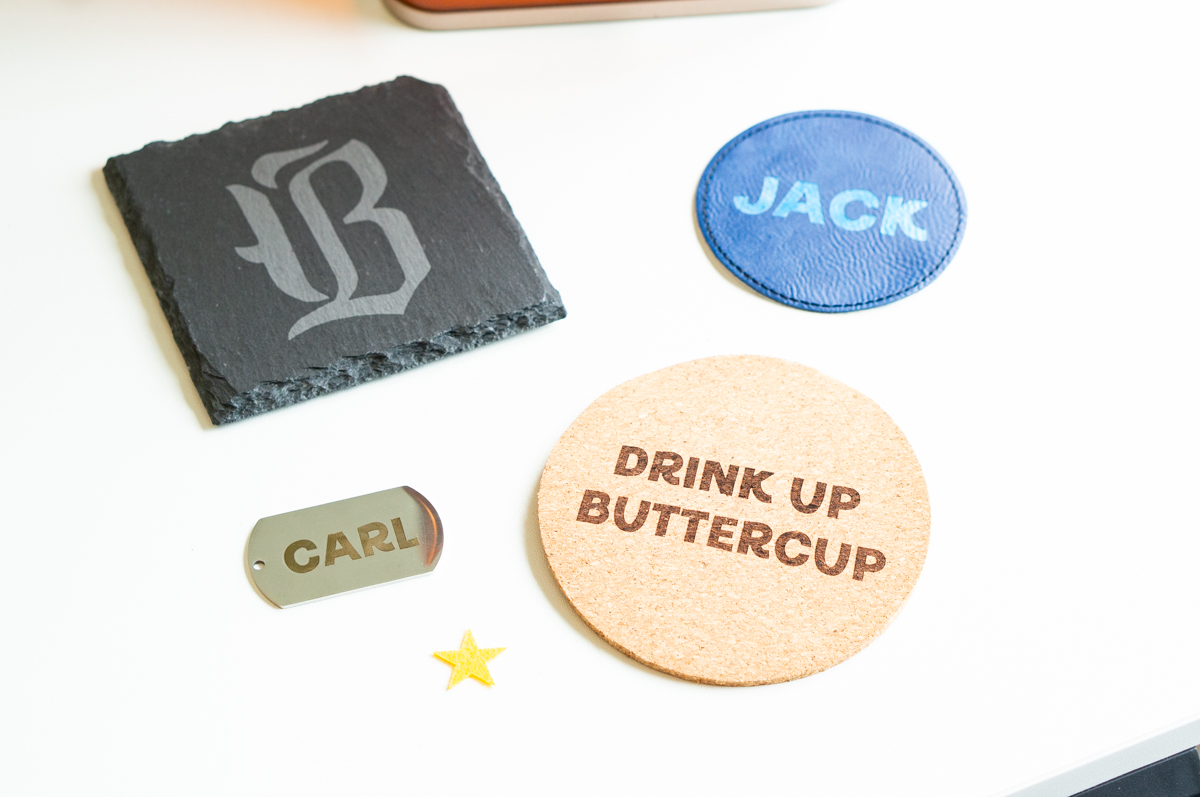
Now before I get into the nitty gritty details of the machine, I thought I would share some of my very early results of testing the machine. I wanted to use everything that came with the machine or within the xTool material pack for my testing along with their standard settings so that I could make it more easily repeatable for others.
Let's take a look at the xTool F2 in action.
My Favorite Materials to Laser with the F2
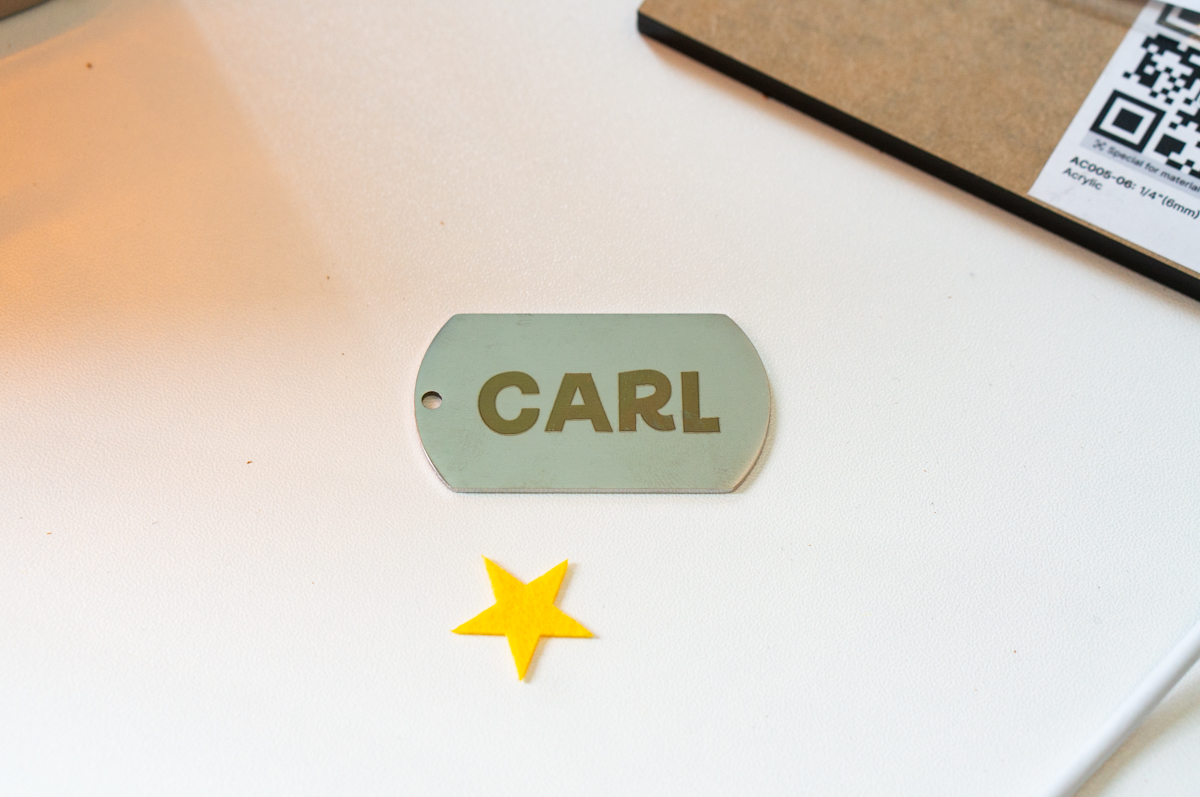
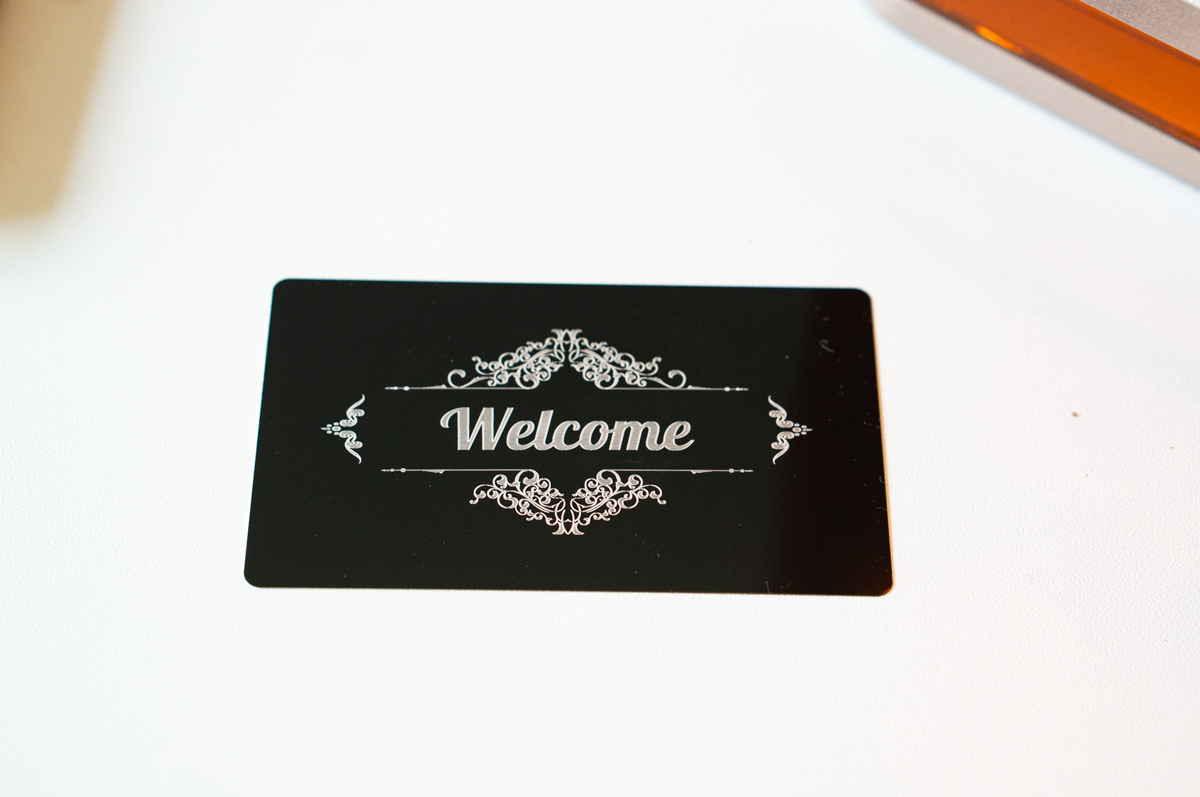
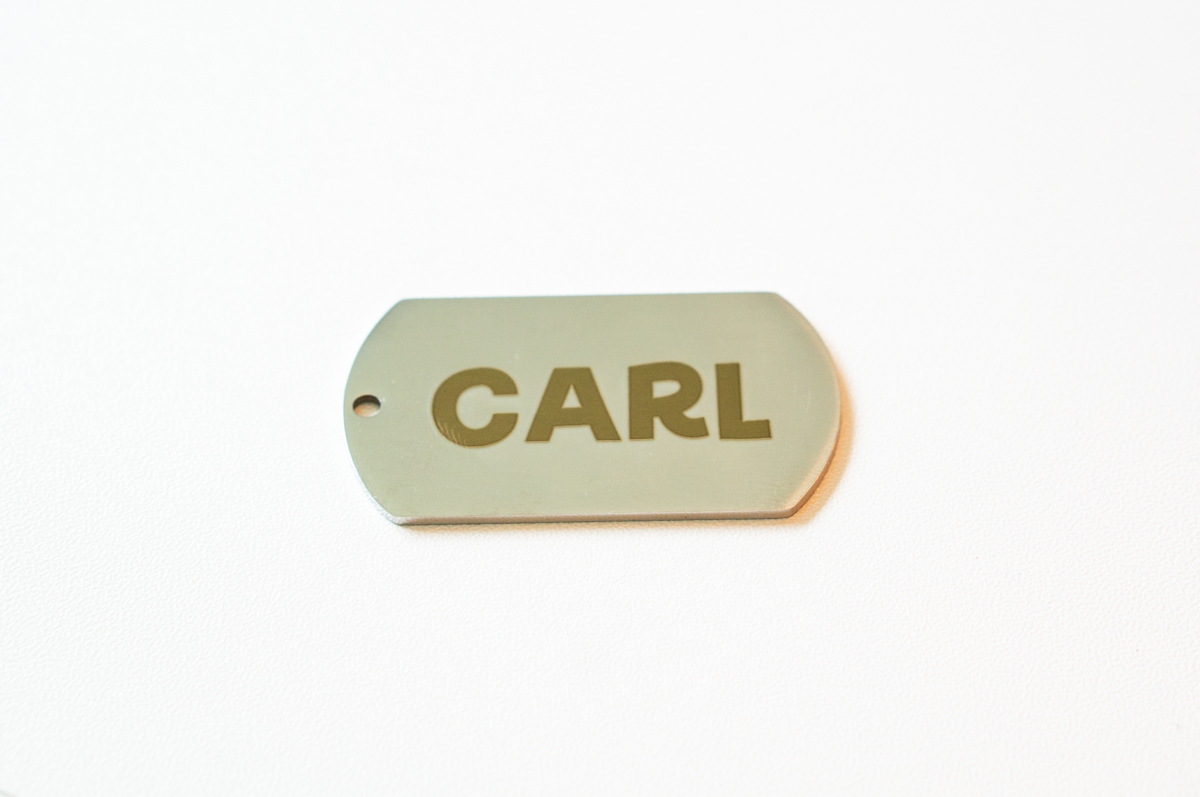
After testing various materials, my favorite material to laser with the F2 is metal. It looks professional, clean, and it's so easy to do. With so many metal blanks available, the projects are seriously endless. I'll be doing a full post just on jewelry because I feel that's one of the best options for craft fairs and small businesses.
One of the materials I was pleasantly shocked by the results of was cutting out felt. I can't believe how clean the cut was and how small it was able to laser. My head is already spinning with lots of ideas for how I could use the F2 to create felt projects such as felt ornaments (which are so cute and have become so popular again in recent years).
Does Size Really Matter?
Don't get me wrong, I love my large P2 and M1 Ultra. Their ability to complete large-scale projects make them invaluable. But, the small, portable size of the F2 provides a completely different laser experience.
If I were a small business owner who worked craft shows, had a lease in a shop, or rented booths; the F2 would be a priority for my business. Being able to customize items on the spot is a total game-changer. It opens up so many various product options. You could take a simple product and make it so much more valuable to buyers with some quick customization by adding initials, drawings, handwriting, photos and more.
Features of the xTool F2
Even though the F2 is small in size, it packs a ton of features and capabilities. Let's take a look and what you'll be getting with the xTool F2.
F2 Laser Capabilities
The xTool F2 and is a dual-laser engraver. It has a 15W diode laser and a 5W infrared laser. Surpassing its predecessor, the F1, with it's 10W diode and 2W IR and slower speed.
Improved Camera for the F2
In addition to the increased laser wattage, the F2 has a 50 megapixel camera to make positioning easy for precise placement of your designs. The live preview and drag-and-drop placement eliminates the need for test runs and helps save money on mistakes made from improper placement.
It has an 8K resolution with an accuracy +/- 0.1mm. The preview mode includes a rectangular, irregular shape, and polygon path preview. Previews will be fast with 1200 mm/s (frame) and 8000 mm/s.
If you're working with the slide extension accessory, you'll still get live preview of the entire space even the entire bed of the extension.
F2 Autofocus Ability
Next up is the autofocus ability which makes the laser beginner-friendly. While you can still focus manually, the ability to autofocus helps speed up the laser process and takes the guesswork out.
Increased Speed for the F2
Speed is another huge selling point of the F2, with a speed of 6000 mm/s. When you're running a business, especially one with on-site customization, speed matters. Time is money and the more quickly you can process orders means the more orders you can complete and the more profit you'll make.
Batch Processing Increases Efficiency and Speed
Need to batch multiple pieces at once? Use the F2's Smart Fill option to batch process duplicate designs at once or you can even do different patterns. Smart Fill is another great way to save time when working a busy event. Batch processing positioning accuracy is within 0.5mm.
Material Options
Thanks to it's dual lasers, the F2 has the ability to engrave and cut over 300 materials. This includes but is not limited to: wood, acrylic, felt, leather, stone, and metal. Having two different types of lasers in the same machine provides a wide-range of material options for small business owners and hobbyists.
F2 Cutting Abilities
Despite it's small size, the laser still has the power needed. You can cut up to 15mm wood and 12mm acrylic. The power of the laser provides the ability to do 3D embossing on wood, stone, and acrylic. Plus, you'll get deeper metal marking than the F1. Higher power also means less passes to cut thick materials which increases productivity speed.
But, due to the diode laser, the F2 can only cut diode-ready cast acrylic. The laser isn't capable of cutting through clear, white, or mirror acrylic.
Galvo Technology
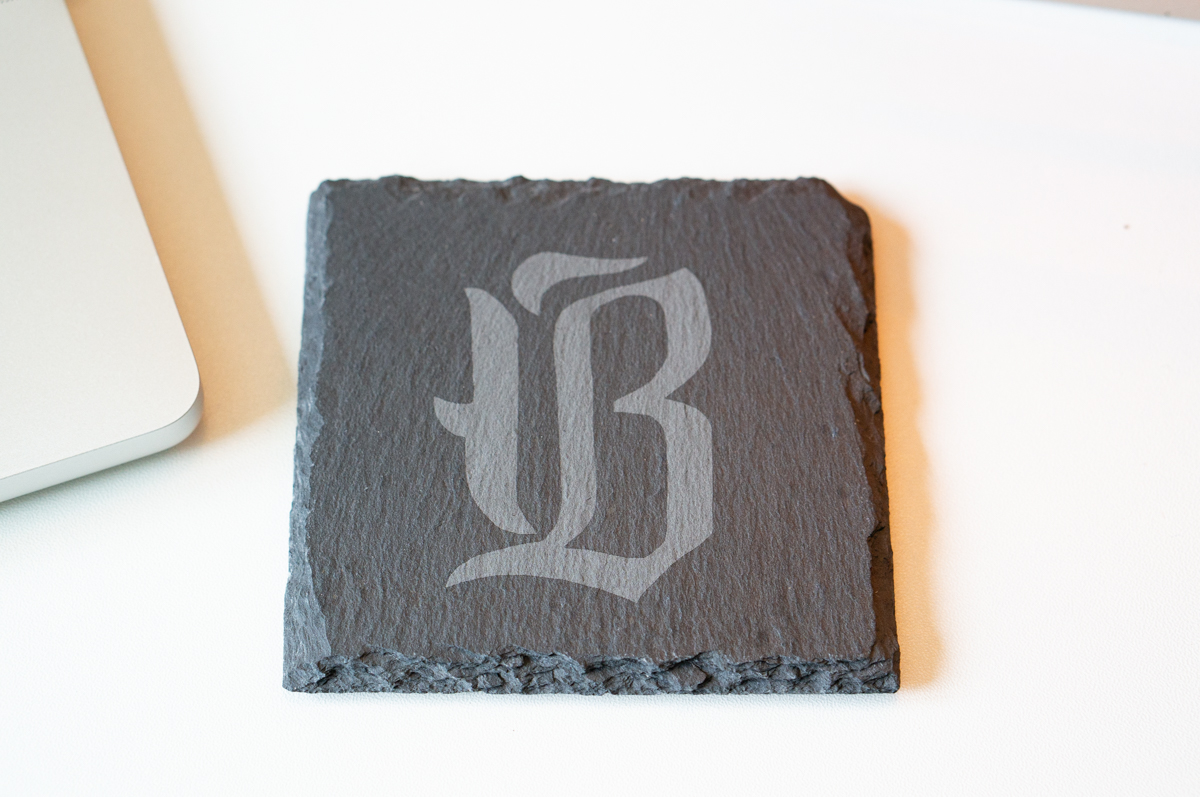
The F2 uses a special technology called Galvo technology. It is what provides ultra-fine, high resolution engraving. It can complete jobs with intricate designs and patterns. It has a high-speed, motorized mirror to direct a laser beam.
Color Engraving
One unique benefit of the 5W IR laser is color engraving. Instead of just high-contrast markings on metal, you can create projects with color engraving. Believe it or not, you can achieve various colors including yellow, orange, pink, purple, blue, and green. It depends on the product and the settings. Stainless steel offers the most color variety.
F2 Laser Bed Size
The only downfall of a portable laser means you'll have a smaller laser bed. But that's what makes it possible for it to be portable. The laser bed size is 4.53 inches by 4.53 inches (or 115 mm by 115 mm). Plenty of space to do most customization options such as jewelry, ornaments, wood, and more. The ability to take off the baseplates allows you to laser objects on the spot such as countertops or large wood pieces.
Need a larger laser bed? Use the slide extension which increases your workspace to 400mm x 115mm and includes full preview.
Curved Processing without a Rotary
Want to do slightly curved surfaces without a rotary? No problem. The xTool F2 supports processing on a slightly curved surface on flat mode.
Safety Features
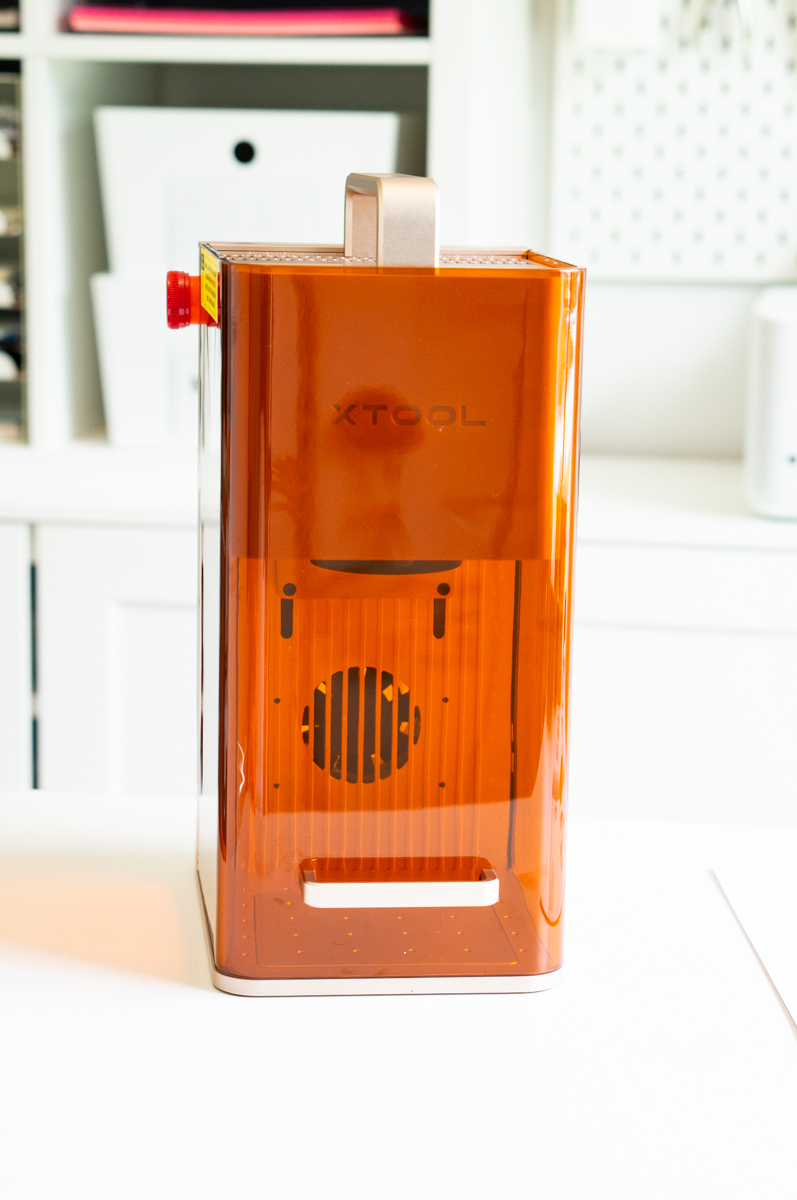
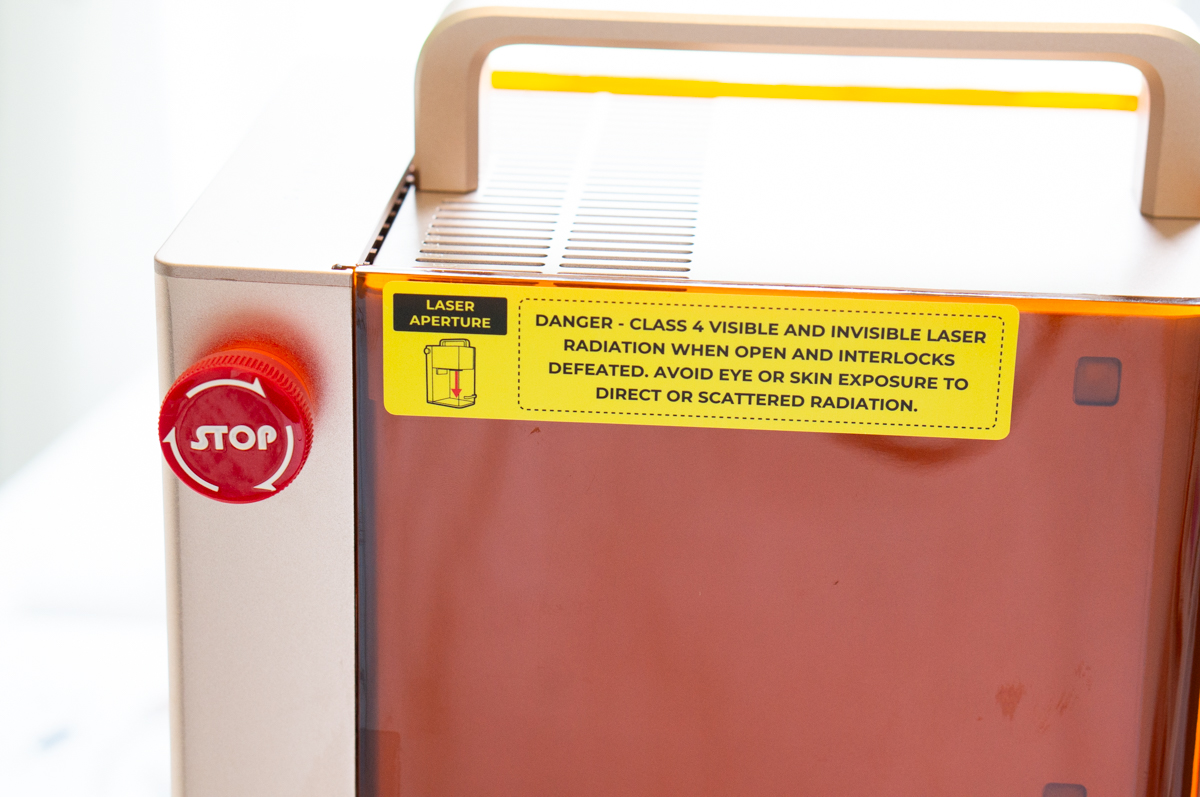
As always, xTool includes standard safety features. The F2 has a rating of class 4 for laser safety. The new safety feature for the F2 is that it includes flame detection using visual AI-based technology, providing a safer operation. In addition, it features a safety stop button you can push if needed (see above).
It includes a fully enclosed design to help protect against smells, fumes, and smoke. Need to run your machine inside? Add xTool's small desktop air purifier to make lasering indoors safer.
Rotary Accessory Options
Want to use a rotary? No problem. If the curved surface feature isn't enough because you want to do a full wrap on, the xTool F2 works with the RA2 Pro. Making tumblers, baseballs, and more easily possible.
Portable Size
So just how portable is the F2? It comes in at only 4.8kg or for my fellow Americans, 10.582 pounds. It's dimensions are 175mm x 237mm x 334mm or 6.89 inches x 9.331 inches x 13.15 inches. Making it easy to carry and store. Unlike large lasers, this won't take up much room in your workshop or craft room.

Additional Important Specs
Need to work offline? You have offline ability with 8 GB flash memory stored locally and processed without the internet.
Want to go wireless? Not a problem with the option to connect through Wi-Fi. Prefer a more stable connection, use the USB-C port.
Software capabilities include xTool Creative Space, xTool Studio, and Atom. It's supported by both Windows and Mac. Supported file formats include SVG, DXF, JPG, JPEG, PNG, and BMP.
Why the xTool F2 Is Perfect for Craft Fairs and Live Events
One of the greatest selling points of the xTool F2 is its ability to be used in person for craft fairs, expos, store booths, and live events (such as weddings, bridal showers, etc). So many gifts an products are massed produced. The F2 provides the ability to not just customize products, but customize them on the spot for in-person events.
With a larger laser, you'd have to take an order and ship it, deliver it, or have it picked up at a later date. Often times this delay would cause you to lose sales because people want to purchase things on the spot.
Instead, you can display various blanks with examples of engravings. People can see a visual of the finished product and then order their item and have it made for them on location, allowing them to leave with the item in their hand on the same day.
The F2 will help you stand out at events. Personalized gifts are one of the best gift options because they are unique and special. I've seen sellers set up interactive personalization "bars" where people can pick and choose various pieces to make one-of-a-kind items including but not limited to:
- Charm Bar
- Hat Bar
- Keychain Bar
- Patch Bar
- Trucker Hat Bar
- Jewelry Bar (charms, necklaces, bracelets)
- Purse Charm Bar
- Bag Charm Bar
- Ornament Bar
- Coaster Bar
- Tag Bar
- Engraving Bar
- Pet tag station
- Bookmark bar
- Tumbler personalization station
- Cutting board engraving
- Notebook personalization
- Badge reel bar
- Teacher gift personalization
- Stocking tag personalization
- Easter basket tag bar
- Valentine's gift engraving
- Graduation gift personalization
- Wedding favor engraving
- Guest gift engraving
Cons of the xTool F2
Overall, I didn't find too many cons working with the xTool F2 over the last couple of weeks. Every laser type has it's benefits and negatives and I think when purchasing a laser, it's important to be aware of your own business needs and the machine's capabilities to ensure that the machine you choose works for you.
As always, xTool improves on their designs based on feedback from users. A few of the cons I found for the xTool F2 have already been resolved with the design of the next generation of the xTool F2, the xTool F2 Ultra.
The xTool F2 only has a diode and infrared laser. This means that the metal is only being marked vs. deep metal engraving that you get from the power of the fiber laser of the F2 Ultra. The Ultra also increases speed for cutting materials such as wood but honestly, the F2's speed is more than adequate.
While the small size of the F2 allows you to take it anywhere, the base of the laser could be a bit bigger for a portable laser. With the F2 Ultra, you get an expanded work area of 8.6 inches by 8.6 inches (compared to the F2's 4.53 inches by 4.53 inches - essentially double the size).
The last con for me was difficulty with placement. I often had to rely on framing to guarantee that placement was correct so that I wouldn't waste material. This was when I was working with metal for jewelry. The new F2 Ultra says it has more accurate positioning with its camera.
Thankfully, the xTool F2's framing is incredibly accurate. I was able to place my designs exactly where I wanted with framing and was happy with the result every single time.
Is the xTool F2 Worth It?
Yes! 100% the xTool F2 is worth adding to your laser collection, especially if you want the ability to laser on-site in real time. Despite having multiple larger lasers, I have found the F2 fills a void that they can't - portability. I can't wait to be able to take my laser to friends and family's houses, events, and more.