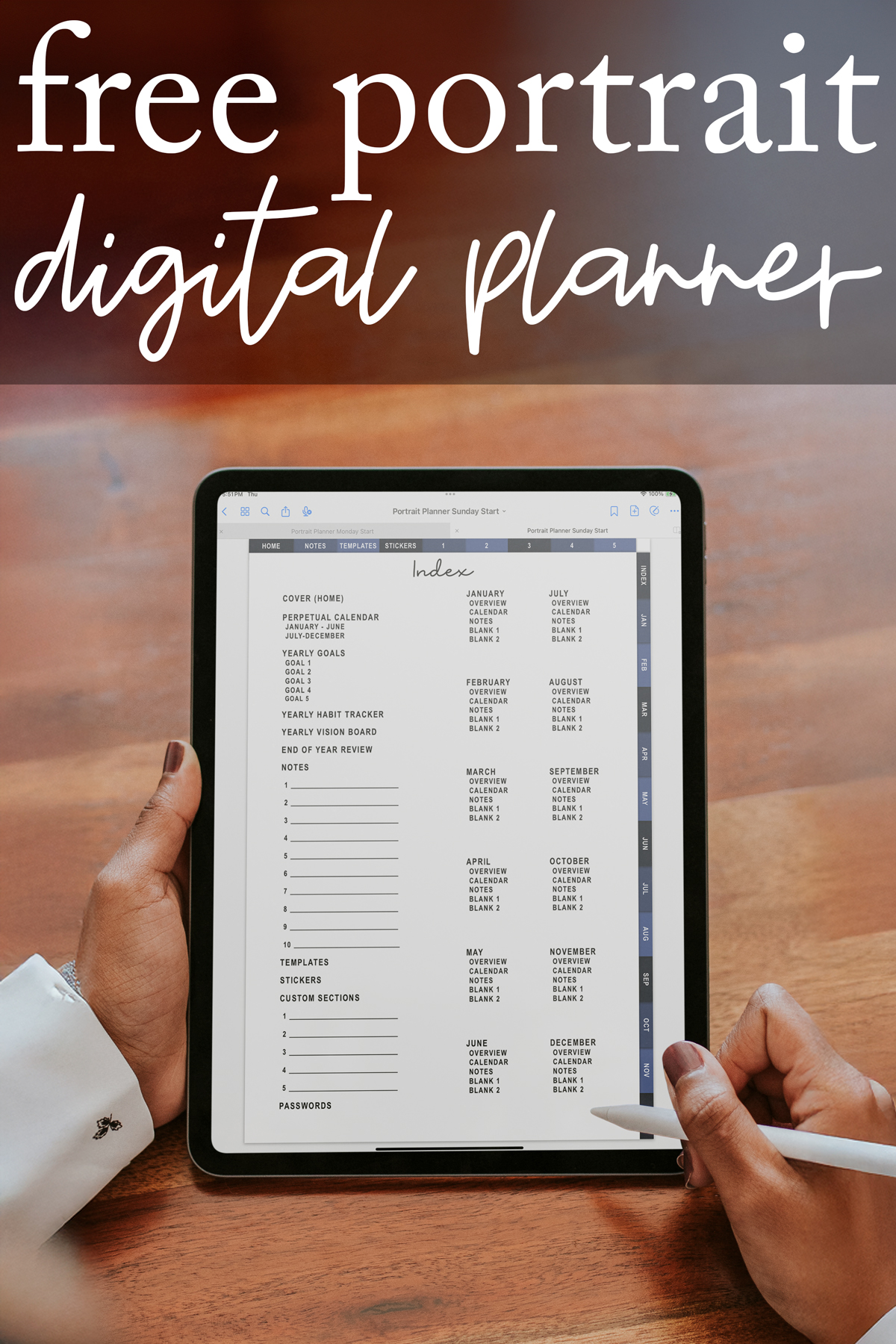
If you have been wanting a clean, minimal, and easy to navigate digital planner for your tablet, this free portrait digital planner is the perfect tool to get started. It's the perfect addition to any Goodnotes App, Notability, Noteshelf, Xodo, Penly, and almost any digital planner app that accepts an interactive PDF on both iPad and Android devices.
Designed with a neutral color palette and elegant dark blue tabs, it includes hyperlinked sections, monthly and weekly planner pages, daily routines space, yearly planning tools, and dedicated areas for templates, stickers, and notes. With both Sunday start and Monday start versions, this planner supports your personal style and makes it easy to customize your weekly schedule and long-term plans.
Whether you are new to digital planning or you have been a long-time Goodnotes user, this planner offers a structure that works for school, work, home life, and personal goals.
What's Included in This Free Portrait Digital Planner
This planner was created to give you the experience of a full planner in one digital file. Each section is hyperlinked for easy navigation so you can move between yearly overviews, monthly calendars, weekly pages, stickers, notes, and more with a single tap. Below, I will outline what you'll find in each section.
Hyperlinked Tabs Include:
- Home (Cover)
- Notes
- Templates
- Stickers
- Custom Sections 1-5
- Index
- Months of the Year (January-December)

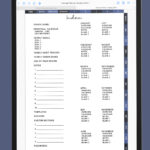
Index
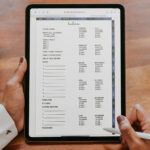
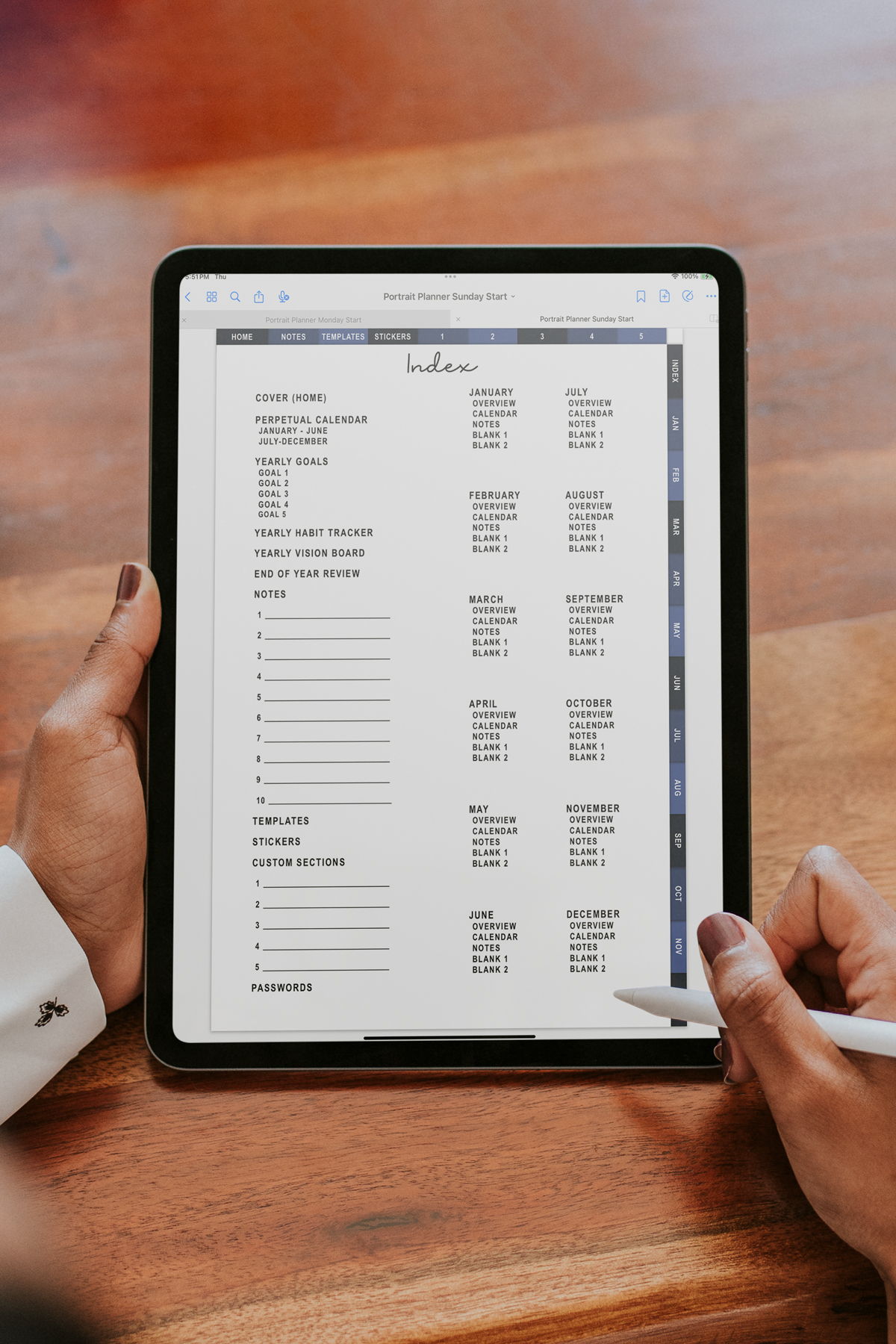
The index is where you can find a link to most every page (just not every weekly). This is important if you want to get to the beginning of the year and end of year pages.
Cover & Perpetual Calendars
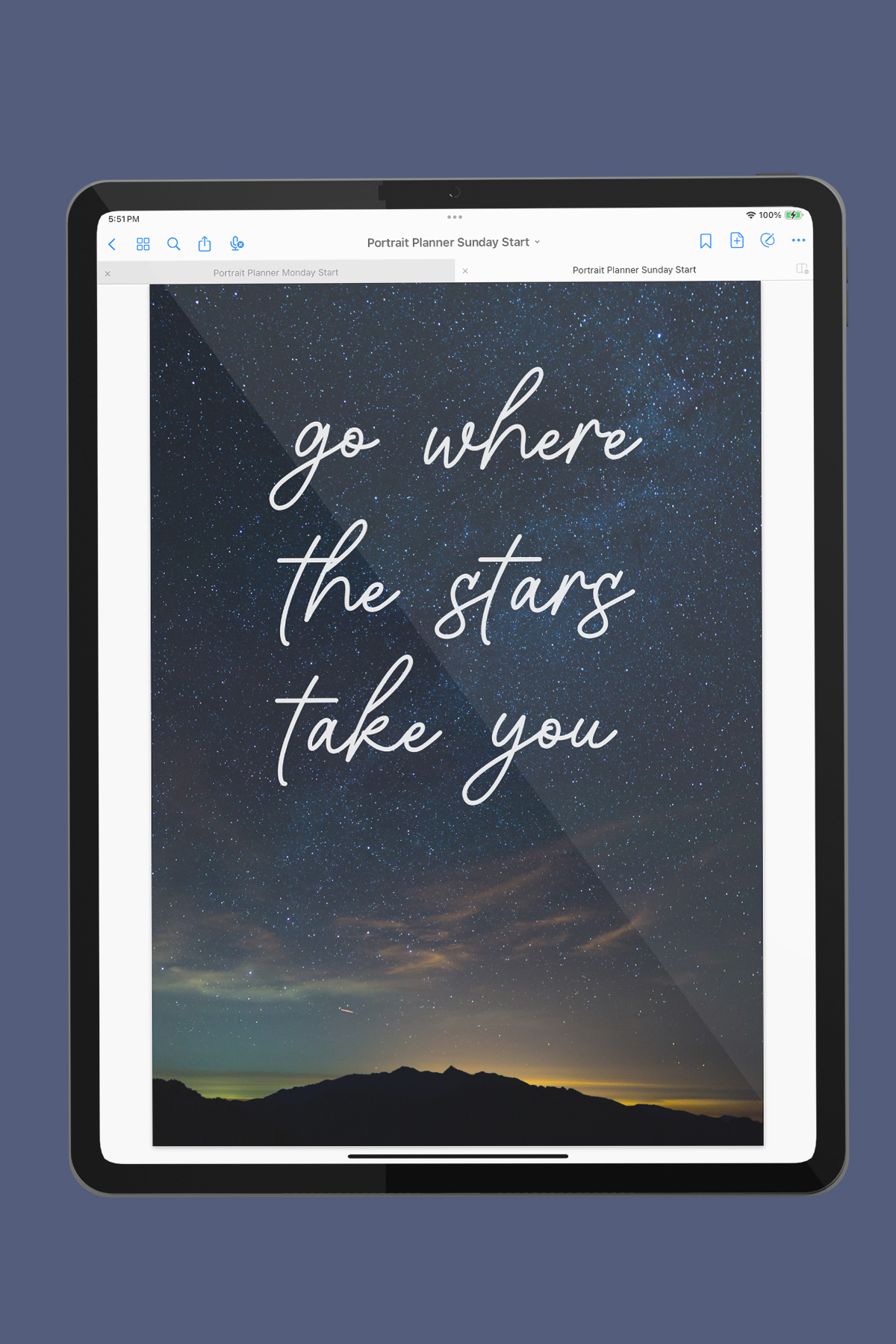
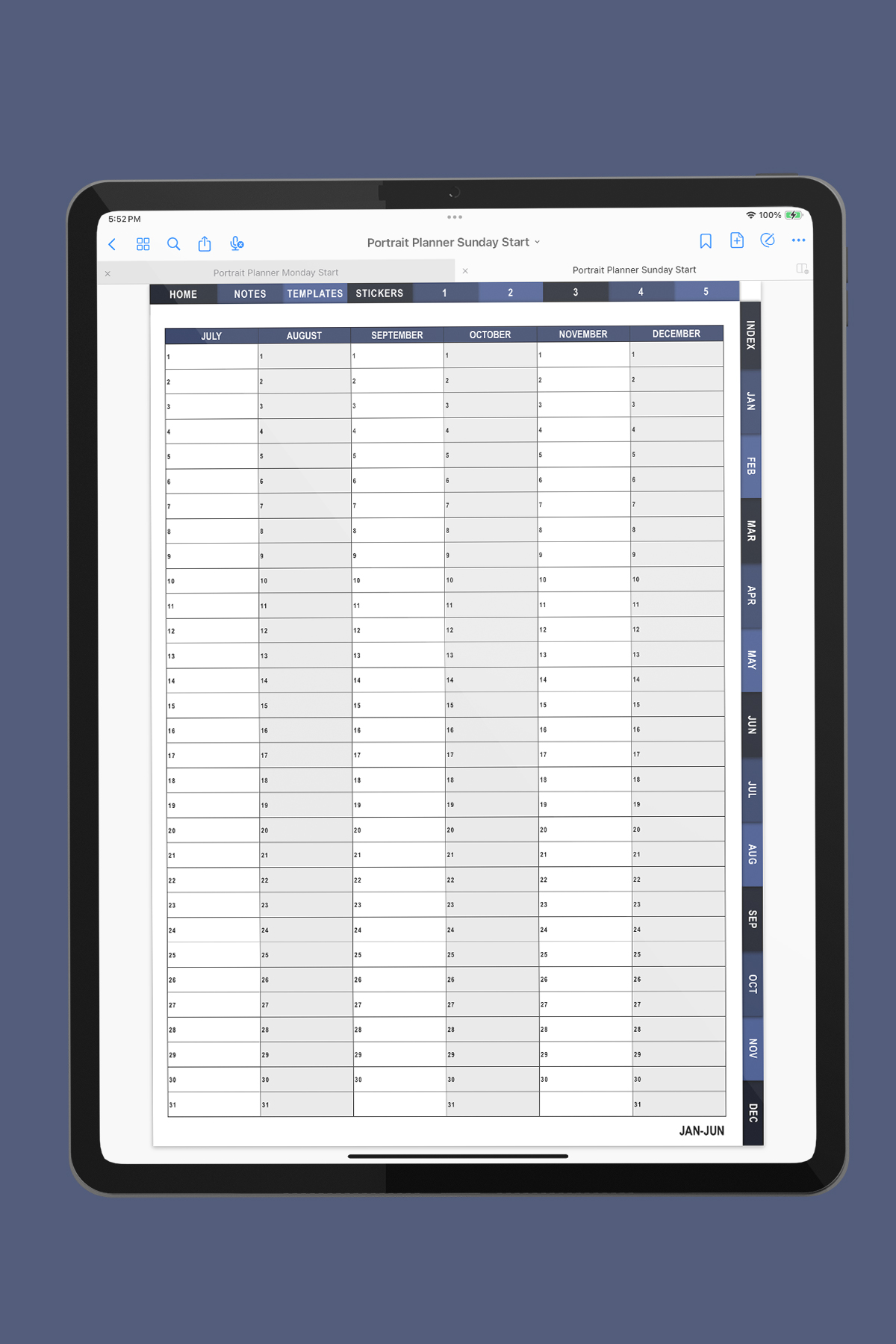
When you open the planner, you land on the cover, which serves as your Home hub. In the first section, you'll also find two spreads with perpetual calendars: January-June and July-December.
These make it easy to reference dates at a glance without switching apps like Google Calendar or Apple Calendar. It's easy to find important dates like birthdates, anniversaries, etc if you add them to the perpetual calendars.
Yearly Planning Pages
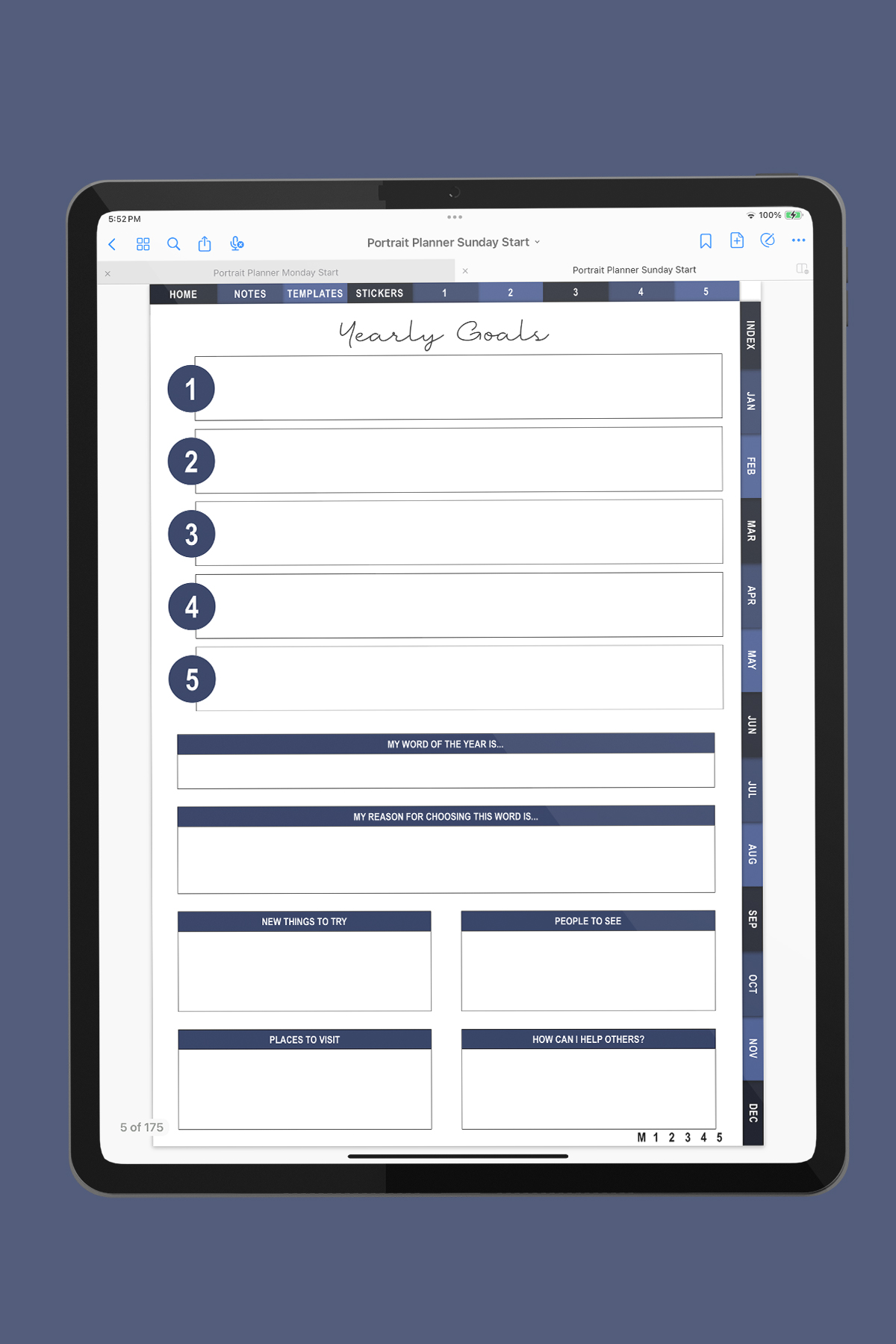
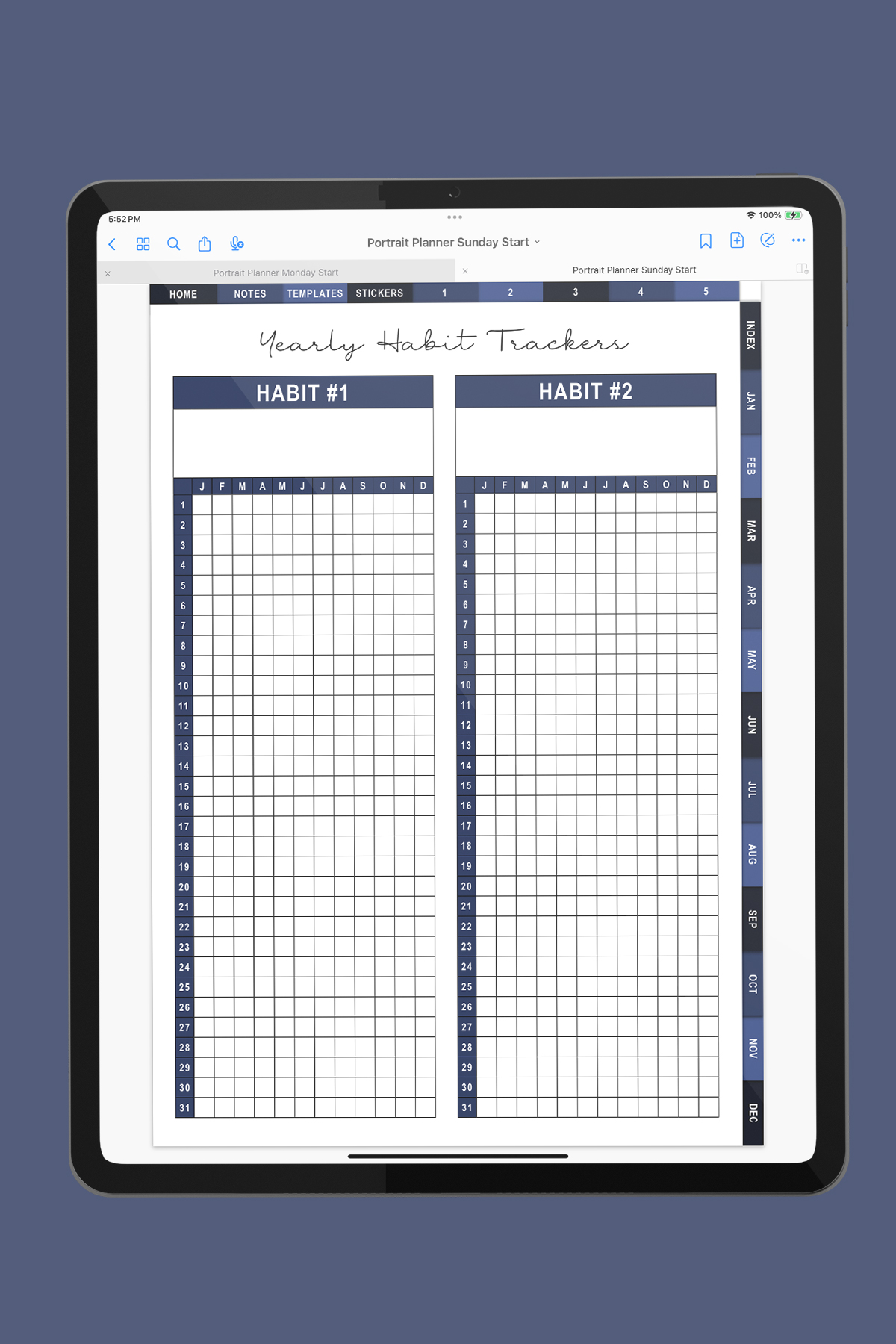
To help you map out your year, set big-picture personal goals, and reflect on your progress, the planner includes:
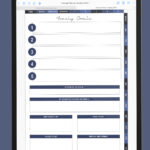
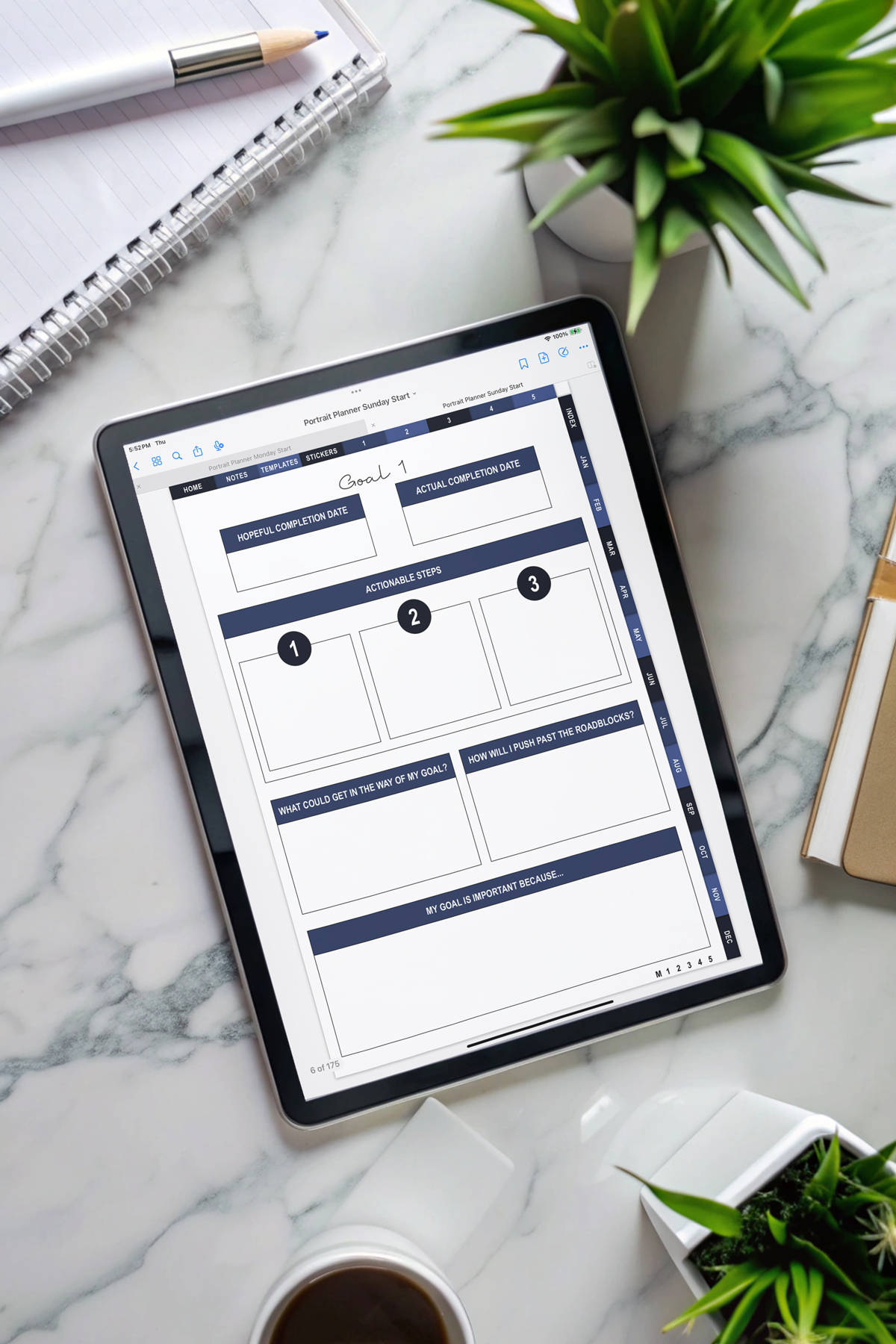
- Yearly Goals (five dedicated sections)
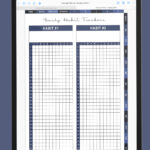
- Yearly Habit Tracker
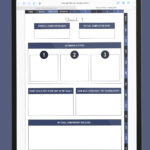
- Yearly Vision Board
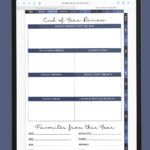
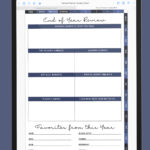
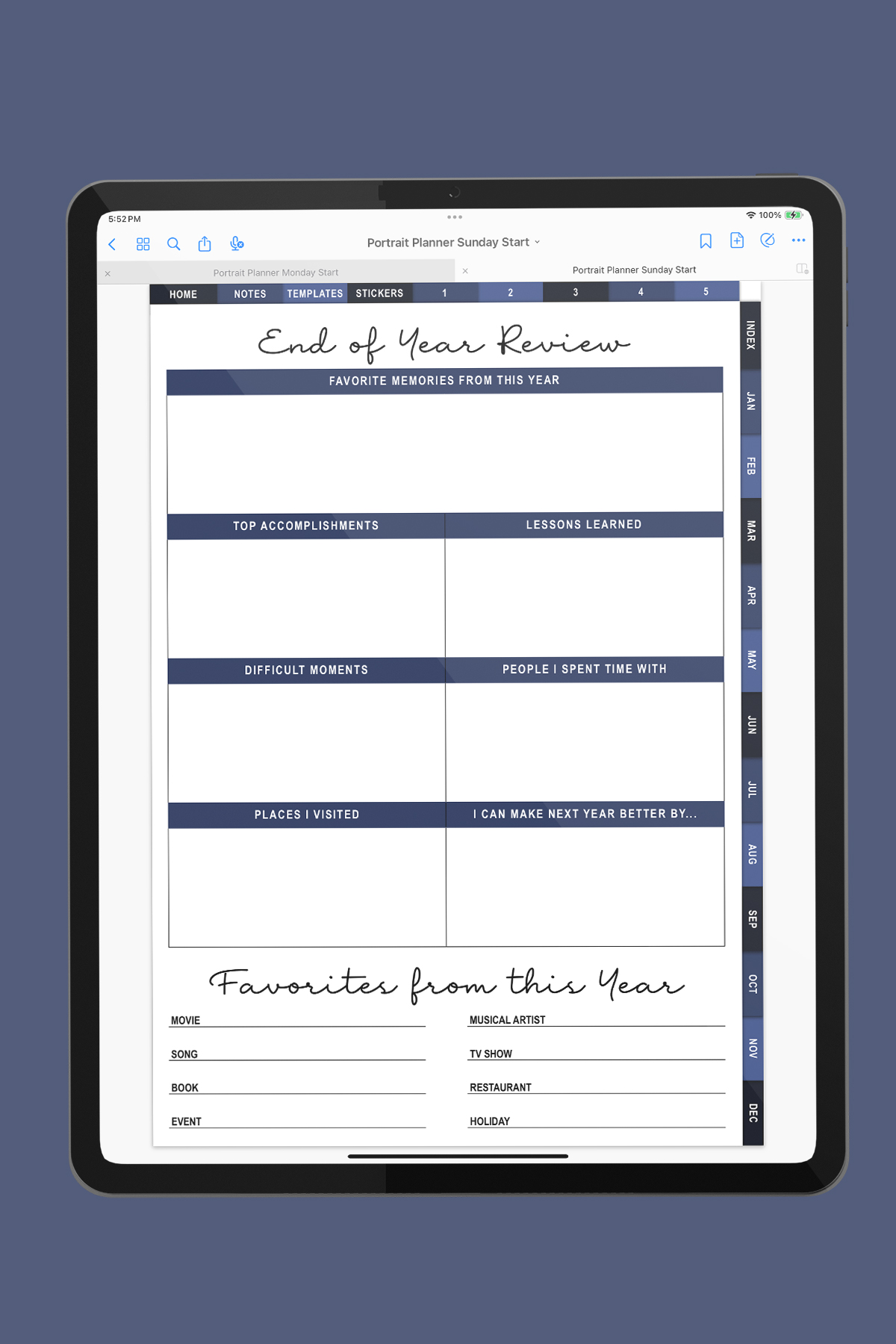
- End of Year Review
These sections are perfect for the new year, the academic year, or a fresh start at any time.
Monthly & Weekly Planning Sections (January-December)
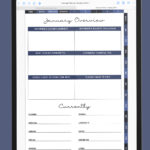
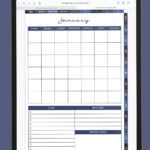
Each month has its own hyperlinked mini-planner, which includes:
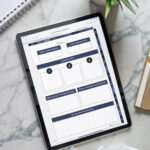
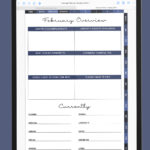
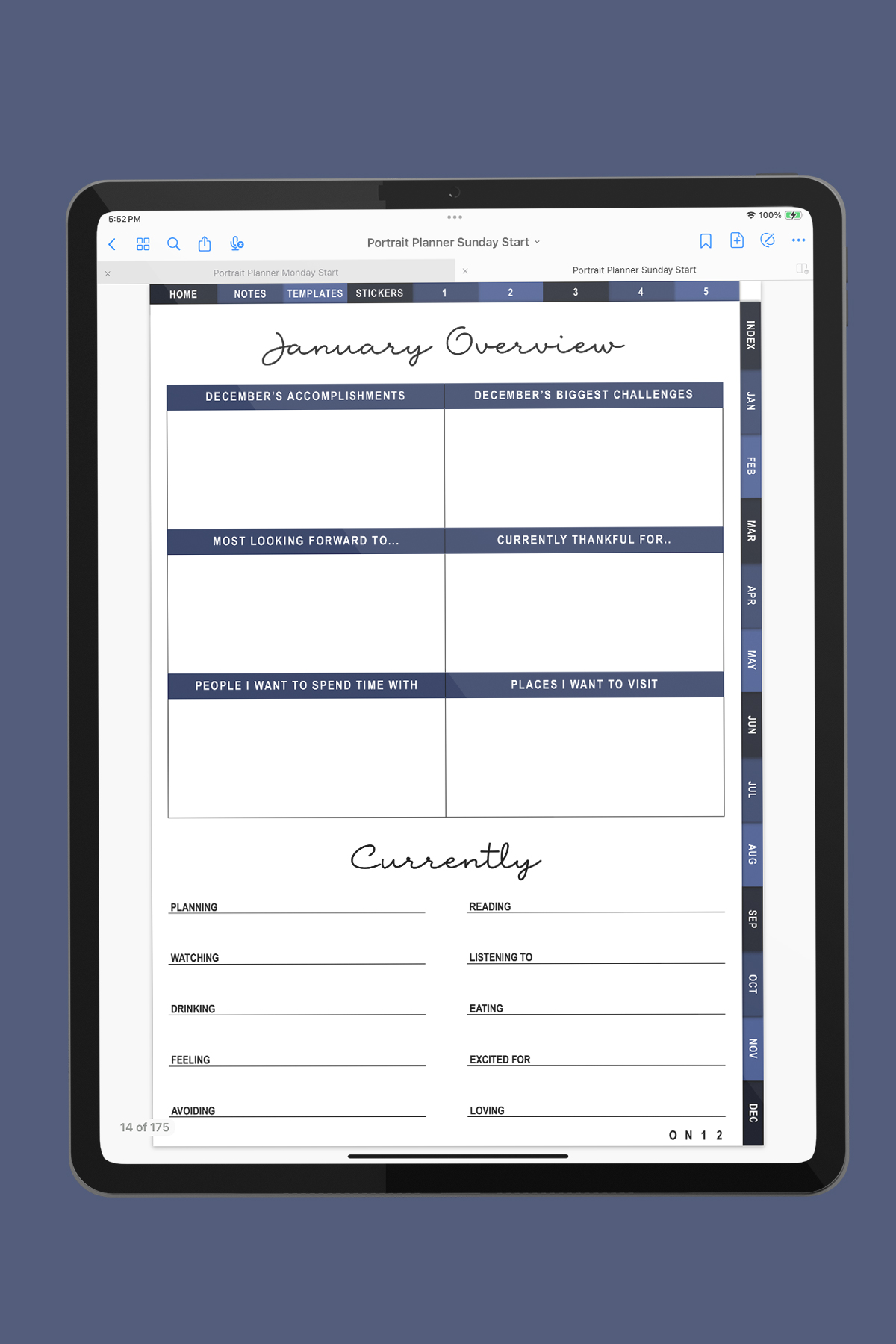
- Monthly Overview
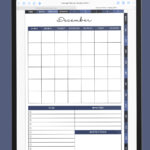
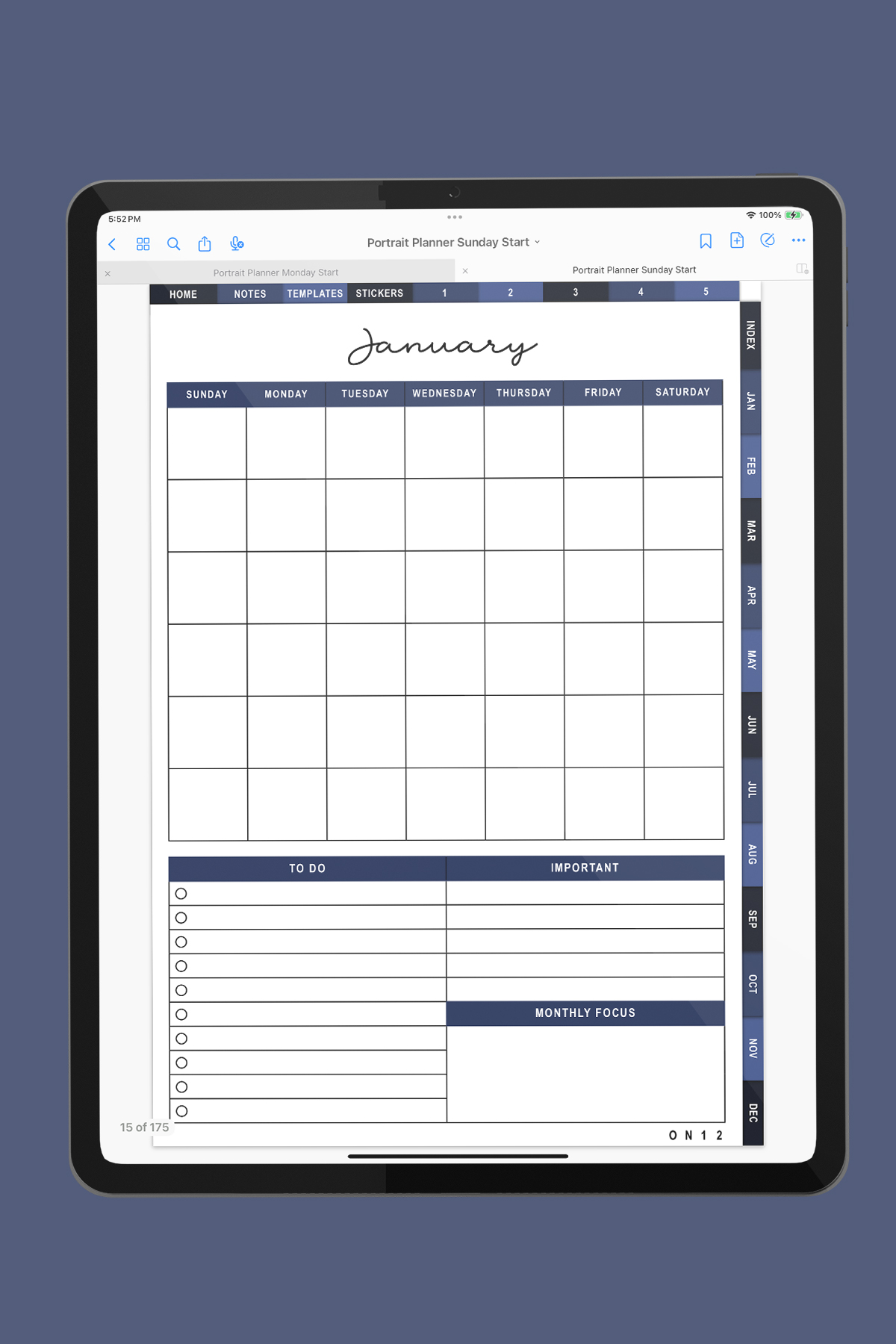
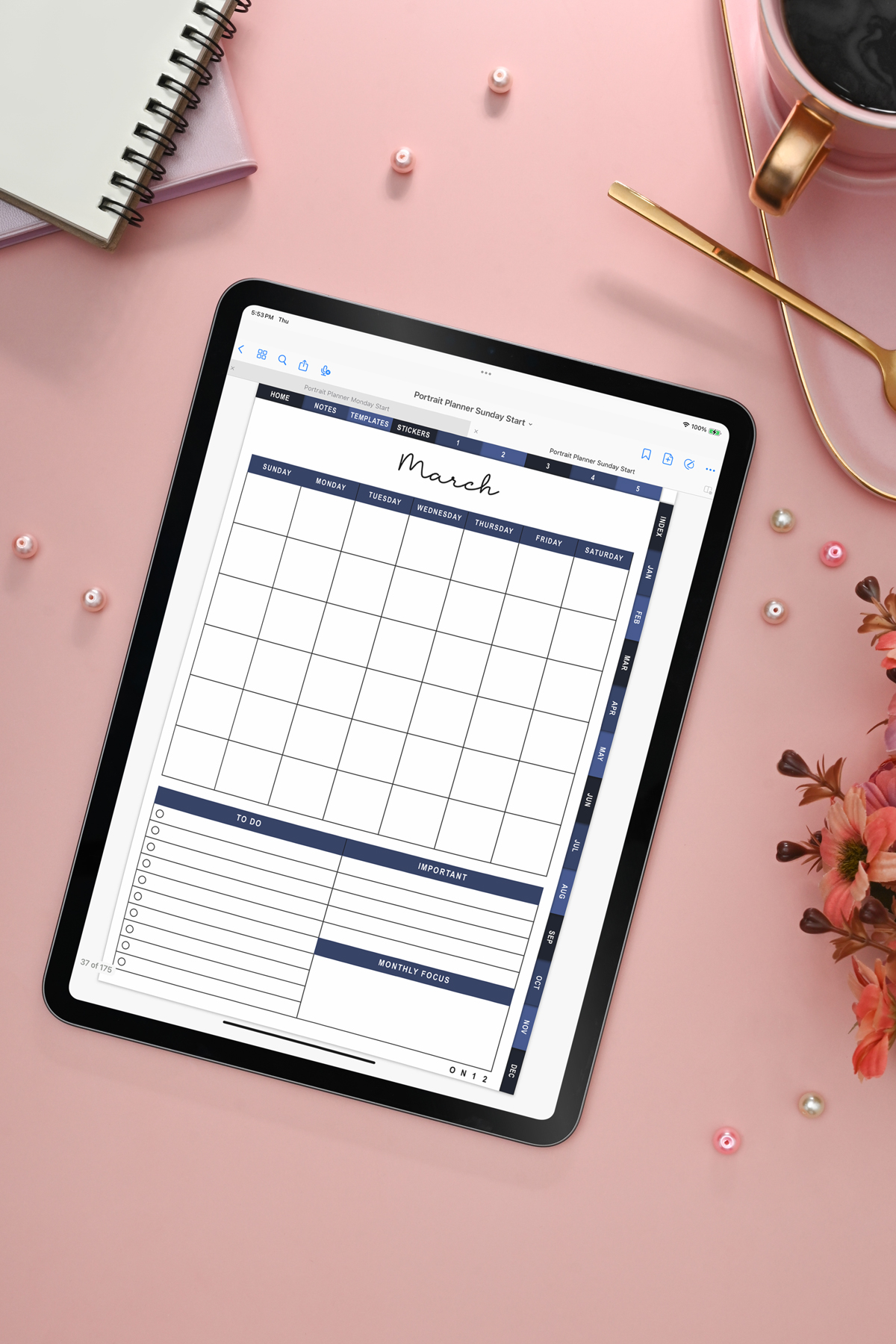
- Monthly Calendar
- Monthly Notes section
- Six Weekly Planner Pages
- Blank Section 1
- Blank Section 2
The structure repeats for every month so you can plan your entire year with ease. The blank sections give you lots of customization options so that you can add whatever is important to you for monthly planning such as meal planning, workout planner, work planning pages, etc.
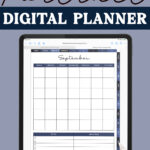
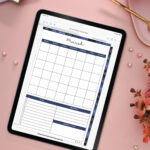
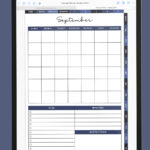
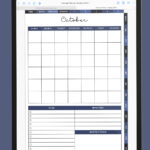
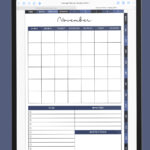
The monthly pages include a to do, important, and monthly focus sections at the bottom under the calendar. Each day in the calendar is hyperlinked to the corresponding weekly weekly page.
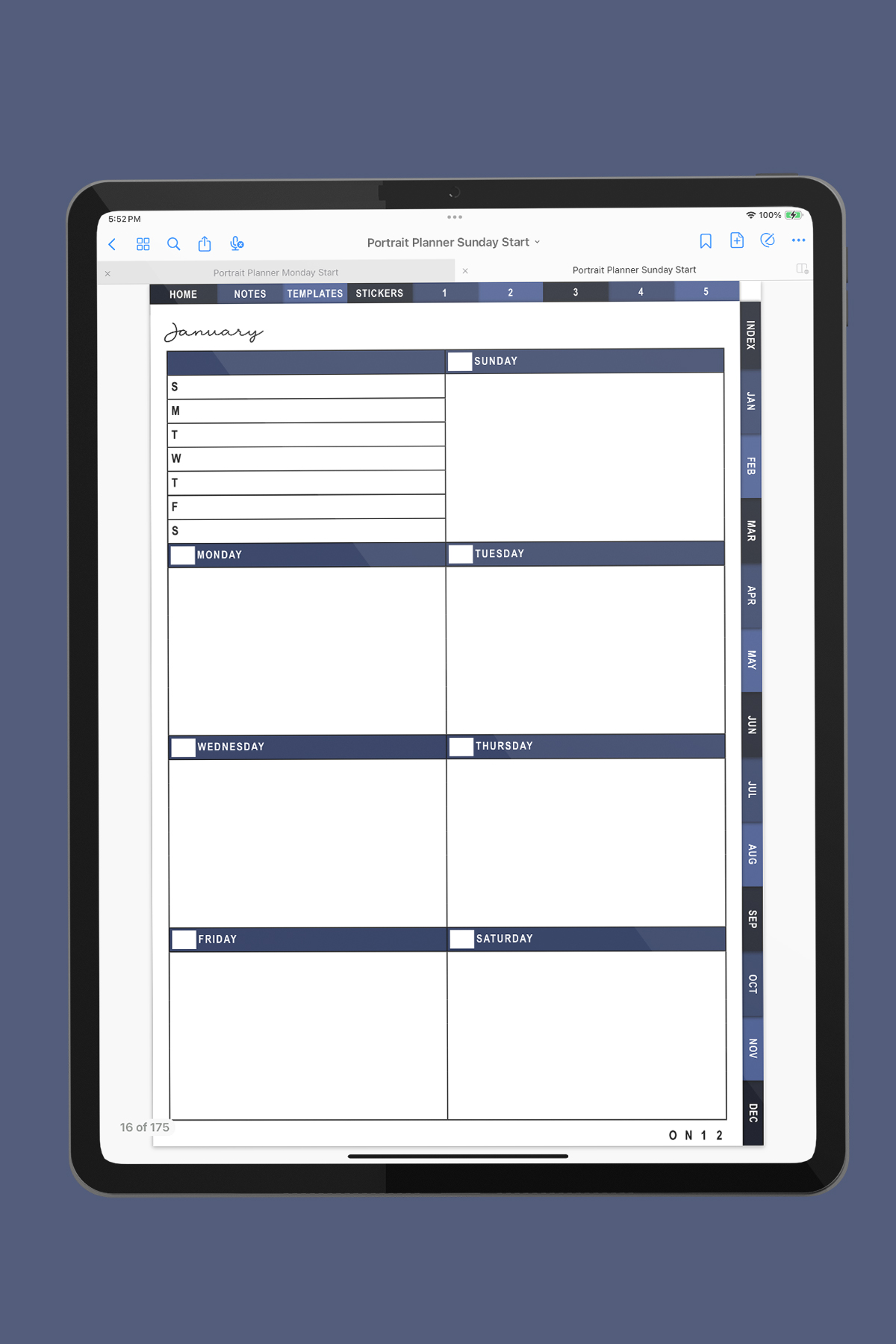
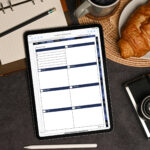
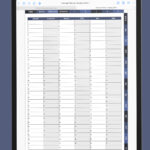
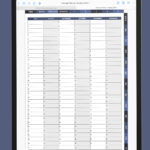
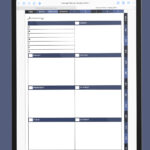
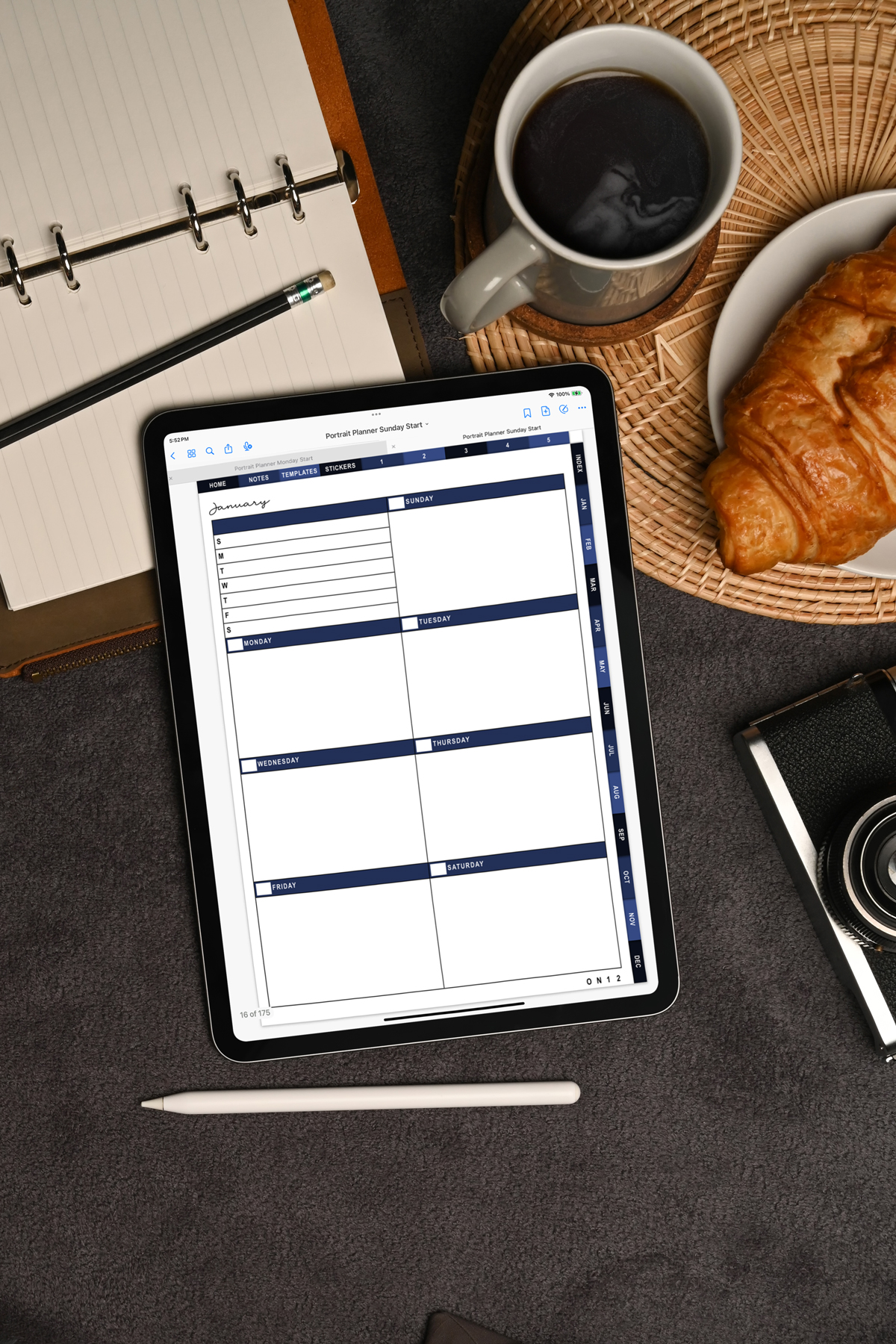
The weekly planner pages are designed with a dashboard layout so you have plenty of white space for to-do lists, daily tasks, appointments, reminders, and top priorities.
Each weekly page includes a quick to do in the upper left corner with a slot for each day of the week where you can add major weekly to dos for each day of the week or to use as a meal planner. Then, there is a blank rectangle with large space for each day of the week for you to add in whatever notes you need for each day.
Notes Section
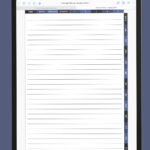
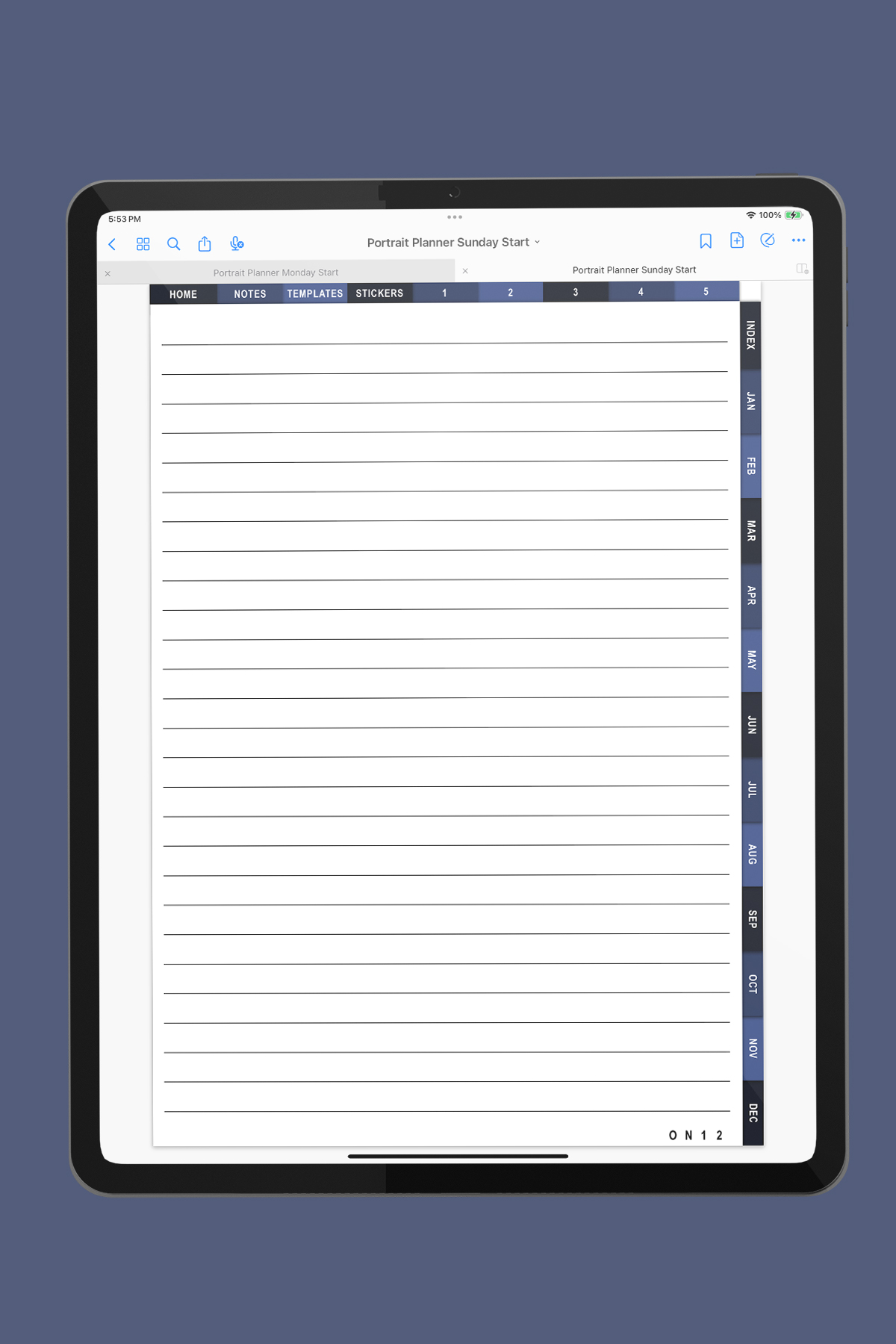
You'll get ten lined note pages (Notes 1-10), all hyperlinked from the main notes page hub. They work beautifully as a digital notebook space for your specific needs such as brain dumps, task lists, class notes, important information, reading lists, project ideas, or daily planning notes.
Five Custom Hyperlinked Sections
This planner includes Custom 1-5 so you can create your own sections. Under the index there is a palce where you can write in the name for each section.
Whatever your planning process is and your needs, you can add digital planner pages of your choice to customize the planner however you'd like.
Some ideas include:
- A digital journal
- Finance or budgeting section
- Wellness and habit trackers
- Meal planning
- Home projects
- Academic planning
- A student planner section for assignments
- Career planner
- Track tasks to be done at home or work
- Goal planning and tracking
- Cleaning or decluttering section
If you enjoy digital notebook features, or bullet journal style layouts, trackers, etc. custom sections give you room to expand your planning system. These tabs give you flexibility to tailor the planner to your unique needs without creating a new planner file. Mom Envy has hundreds of free digital PNG pages that you can add to your planner to customize it. Find all of our digital planning freebies here.

Templates & Extras
The planner also includes built-in extras that you can use again and again:
- Templates Section
- Stickers Section
- Passwords Section
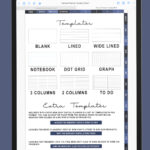
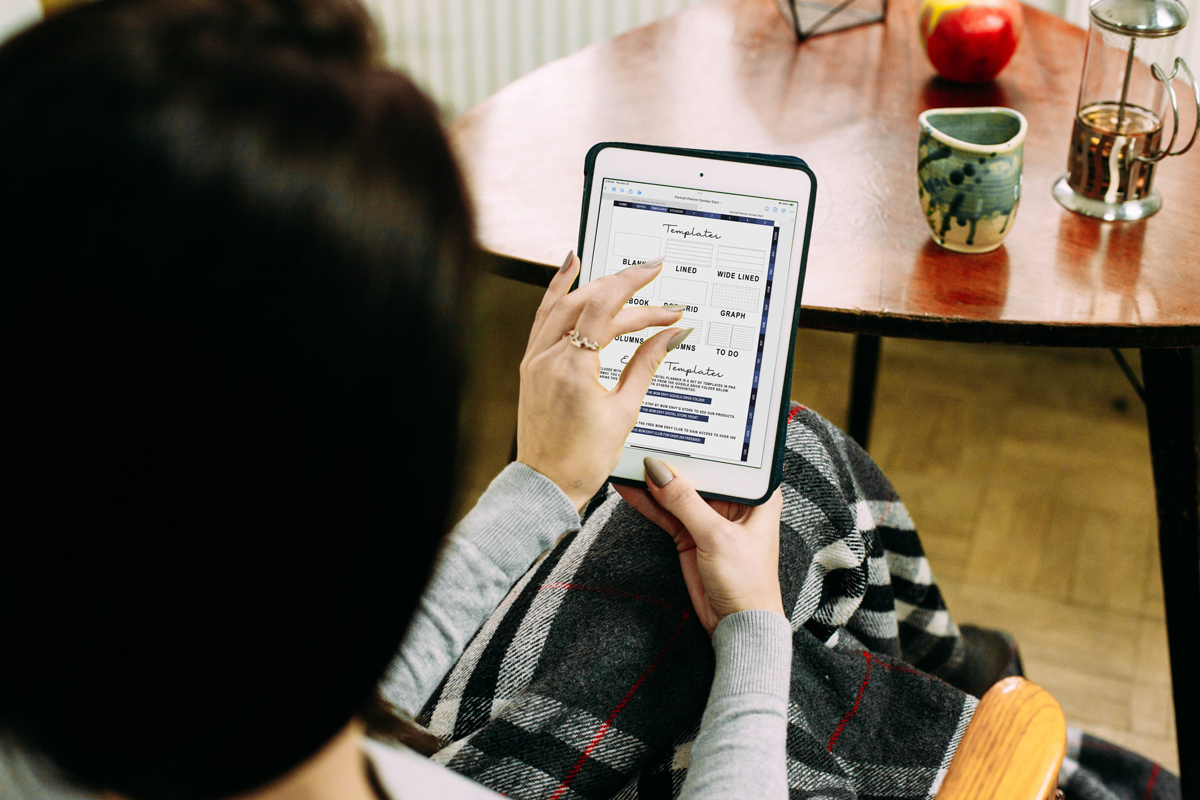
The templates section is perfect for my bullet journal lovers because you'll find extra features like dot grid and graph paper. You'll find actual pages that you can copy and paste where you'd like in your planner or you can find the hyperlink to free Google Drive folder with digital transparent PNGs that you can copy and paste in your planner wherever you'd like.
How Do You Download the Free Portrait Digital Planner?
Current free Mom Envy club members can click here to download the free planner files or can scroll down to the bottom of the post and click the large Click to Download image.
New here? Don't worry, you can grab the Portrait Digital Planner for free, too! Just use your email to sign up for the free Mom Envy club and gain access to over 300 freebies. Just fill out your information in the form below or click here to sign up and you'll be sent the files right after!
Use it Over & Over Again: Undated Planner
I love undated planners because you can use them over and over again - you don't have to worry about getting a new planner every year. Just write in the dates or paste number stickers for the days of the week and month.
Why This Digital Planner Is a Great Option
This planner blends the convenience of digital planning with the structure of traditional paper planners. It is easy to write on, simple to customize, and perfect for anyone wanting a single platform to manage work, school, home, and personal projects.
Some reasons users love it:
- Simple minimalist design for a clean layout
- Easy navigation through hyperlinked tabs
- Weekly start flexibility of Sunday or Monday start
- Works on many tablet models including iPad Mini and Android tablets
- No premium subscription or premium plans needed
- Flexible start date because the planner is undated
- Plenty of space for weekly planner pages, notes, templates, and extras
- Supports daily planning pages and weekly schedules
- Fits a wide variety of planning styles including students, teachers, professionals, and families
Does the Planner Have Daily Pages?
No, this planner does not included daily pages. But, you could insert a additional pages and use one of our free digital transparent PNG daily planner pages which you can find here or here (hourly version). The hourly version is perfect to keep track of your daily schedule.
Perfect for Goodnotes Users and Beginners
If you're looking specifically for free digital planner templates for Goodnotes, this planner is intentionally designed to be compatible with the Goodnotes app. The hyperlinked PDF format ensures that every tab, page, and section works smoothly.
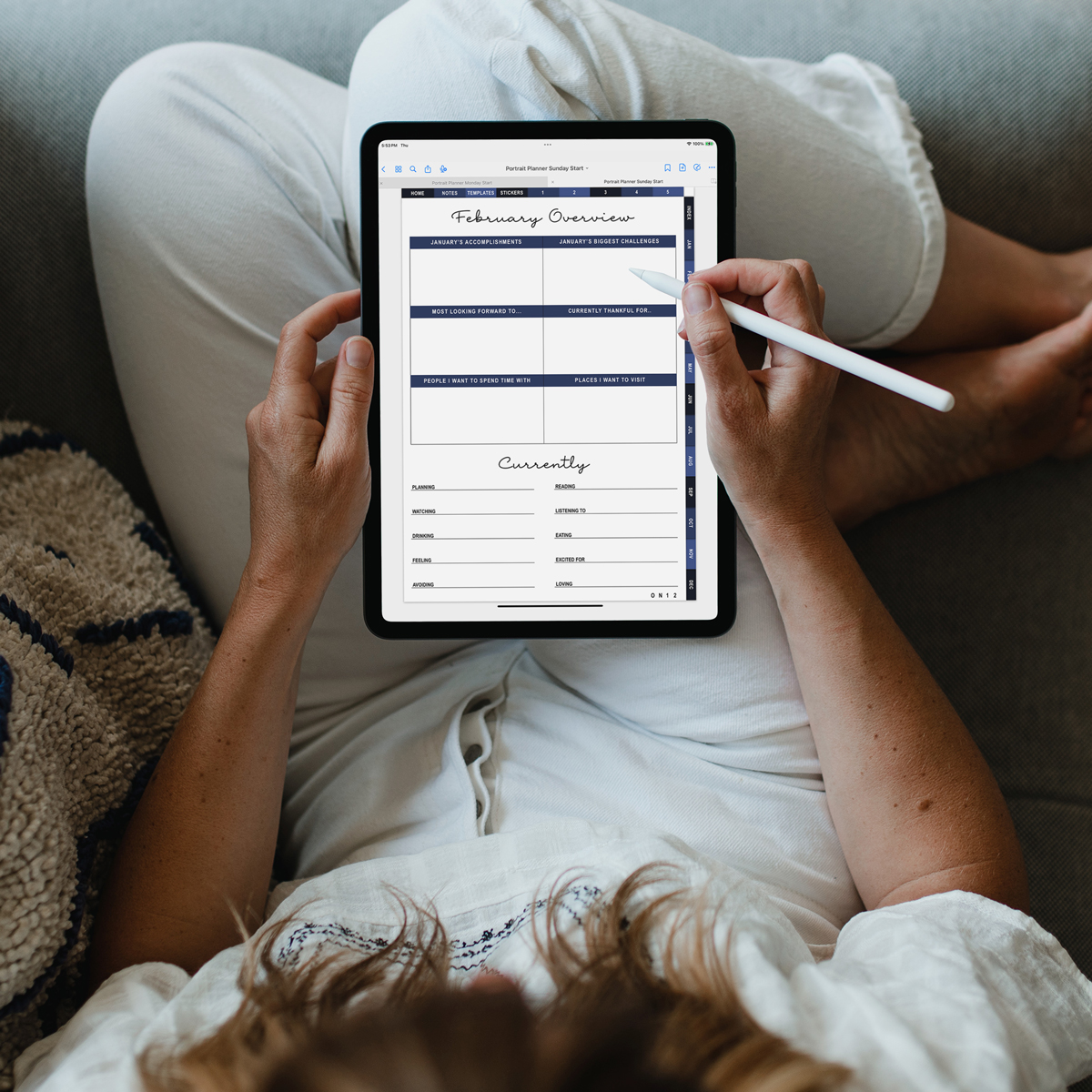
It is ideal for iPad users with an Apple Pencil, but it also works on Android devices with stylus support.

The Best Digital Planning Apps
Here are the ones that I have researched and think are the best digital planning apps:
- Goodnotes
- Notability
- ZoomNotes
- Zinnia
- Noteshelf
- Penly
- Xodo
Whether you use an iPad or an Android device, you'll find that these apps make it a breeze to navigate your digital planner and keep everything organized.
What I Use for Digital Planning
My favorite app is the Goodnotes app. It's the program I use with my own digital planner and digital notebooks. I use an iPad Pro with an Apple pencil. Using some sort of stylus like an Apple Pencil is honestly a must with digital planning.
iPad users aren't the only ones who can use digital planning apps. If you work with Android Devices, you can use these free files, too. There are plenty of options for apps on Android tablets that will accept hyperlinked PDFs, too.
How to Use This Free Portrait Digital Planner
- Download the planner file
- Import the interactive PDF file into your digital planning app (Goodnotes, Notability, etc.)
- Tap any hyperlinked tab for instant navigation
- Write directly on the planner pages with your stylus
- Add digital stickers, images, or template add-ons if you want more customization
Because the planner includes blank pages and open sections, you can set it up like a bullet journal, an academic planner, a daily planner, or a life planner with habit trackers and to-do lists.
A Flexible All-in-One Digital Planner
This digital planner provides a structured format without limiting how you use it. Whether you want to track progress on personal projects, manage class schedules, organize home routines, or follow your daily life with mindfulness, this planner supports a wide variety of planning needs. With custom sections, it truly is a customizable digital planner because you can add sections for anything you'd like.
There is no such thing as a perfect planner - finding planner peace can be difficult for people. But with digital planners, you can erase and modify your planner as the year goes on and your needs change.
Looking for Another Style Free Digital Planner or Notebook?
Mom Envy has some other free digital goodies including digital planner stickers and digital planners and notebooks you don't want to miss.
- Free Digital Planner with Dashboard Layout
- Free Dog-Themed Digital Planner with DAILY Pages
- Digital Composition Book (my favorite)
- 12-Section Digital Notebook
- Leather Digital Notebook with 100 Sections
- 12-Section Floral Digital Notebook
- 100-Section Digital Notebook
- All of our Digital Planning content (including all the stickers!)
Download Your Free Digital Planner
If you are ready to try a new digital planning system, scroll down to download your free portrait digital planner. With plenty of space, dedicated sections, and intuitive design, this planner offers everything you need for a productive year-without needing extra apps, subscriptions, or additional purchases. I hope you enjoy your planning experience with your new free planner!
Current free Mom Envy club members can click here to download the free planner files or click the large "Click to Download" image below.
New here? Click here to sign up here or below and you'll be sent the files right after!

Copyright MOM ENVY 2025. Files may be used for personal use only. Commercial licenses may be purchased for SVG and Silhouette cut files. Click here to purchase a commercial license for a file. No commercial use is available for printables. Files may not be directly shared within Facebook groups, on websites, or in any other way. A link to the web page to download the files may be shared as well as one photo. The file may not be printed and then sold (including local yard sale sites and groups or at local craft fairs). The images may not be used in any way other than to share with a link to the original web page.